The ServiceChannel Provider app gives both external and internal technicians the tools they need to manage service work from their phone. Providers can view assigned work, check in and out of job sites, update statuses, add notes and photos, capture signatures, track time onsite, and keep customers informed — helping every job move faster from dispatch to completion.
Make technicians more productive
Help technicians access work details, update statuses, and document service activity without waiting to get back to the office.
Stay connected to what’s happening onsite
Keep facilities teams and providers aligned with real-time updates, notes, photos, and service activity from the field.
Capture data to prove the job was done
Standardize onsite documentation, signatures, time tracking, and completion details to reduce back-and-forth and support faster invoicing.
Highlights
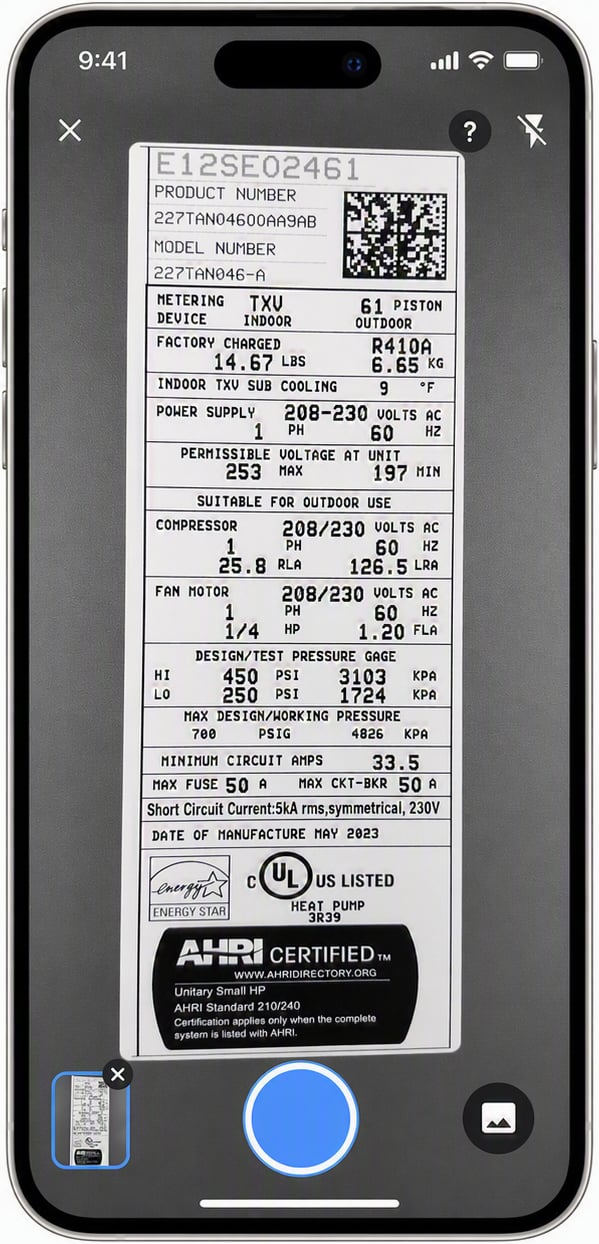
Capture and validate asset details with AI asset recognition
Track accurate time onsite with GPS-based check-in and check-out
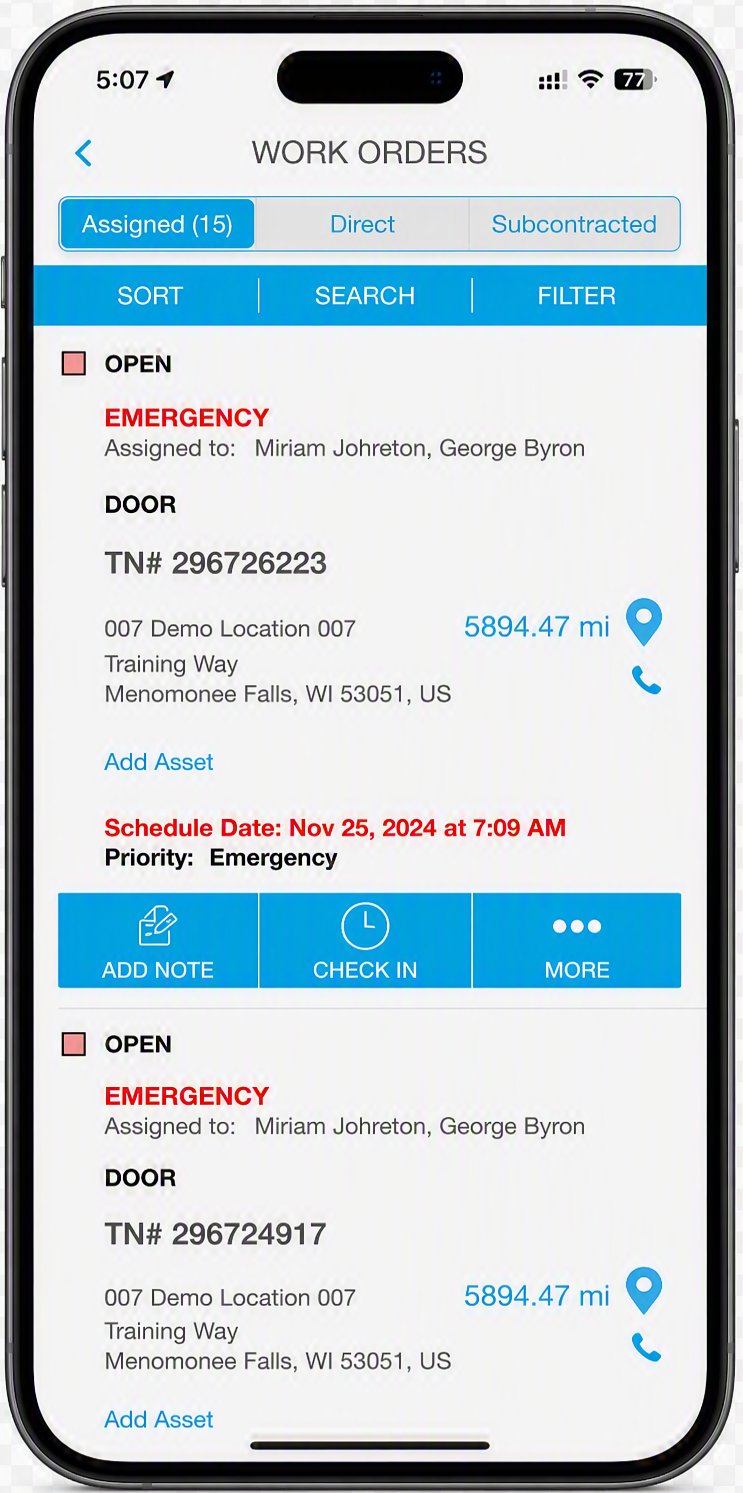
Search, view, and manage assigned work orders on the go
Update work order status without leaving the site
Capture customer signatures electronically before closing out work
Create work orders and schedule return visits from the field
Keep customer and provider teams informed from dispatch through completion
See how T&J Electrical stays productive onsite
ServiceChannel is by far the easiest and most reliable platform we use on a daily basis. It saves a ton of time for us. Having everything you need to communicate with a client, pass along information to a technician, and complete the invoice of that work order in one place is huge for us.
The ServiceChannel Provider app helps providers manage field service work from start to finish. It enables technicians to accept jobs, update work orders, document service, track time, check in and out offline, and close out work from anywhere.
Manage assigned work orders and update job status directly from the field
Manage work
Give technicians the information they need to complete work efficiently
Technicians can view assigned work orders from a mobile device
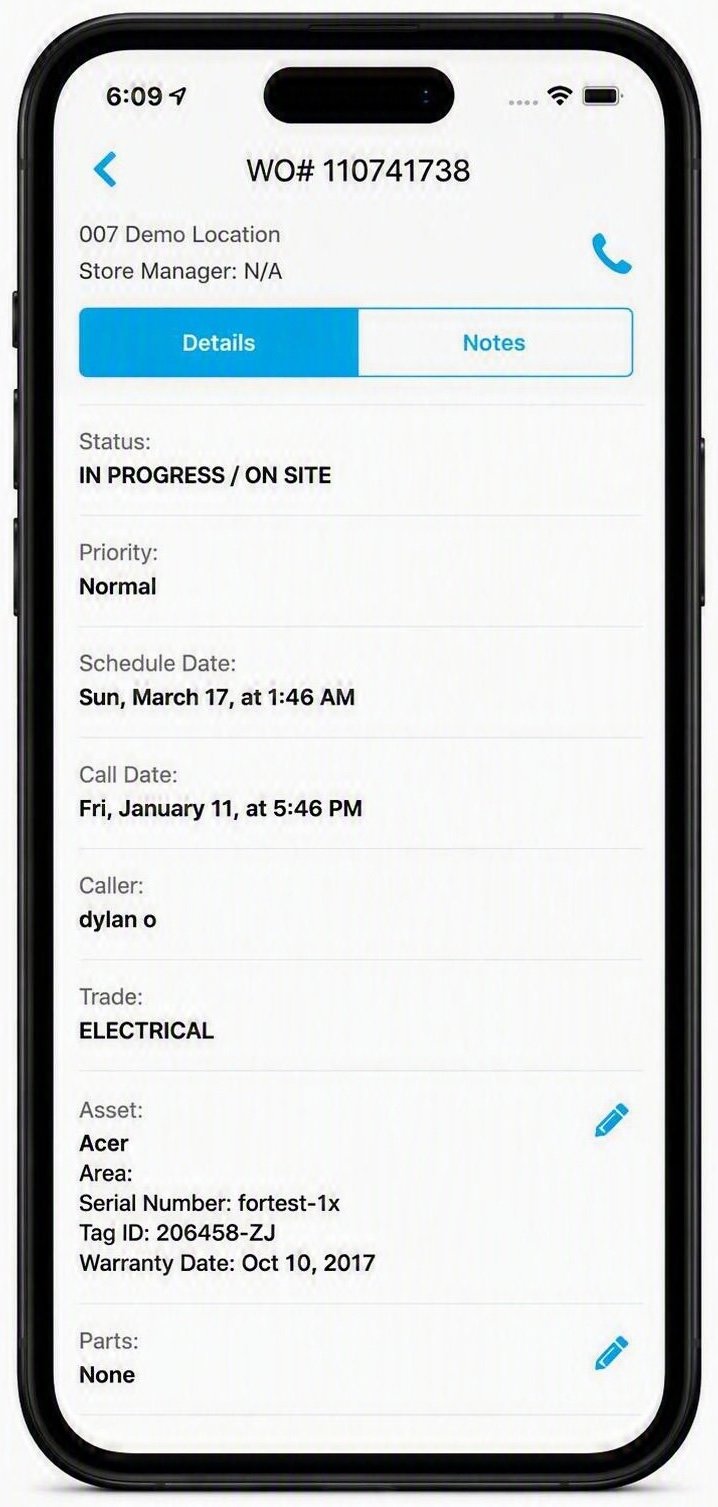
See key job details and asset information before arriving onsite
Update work order status as work progresses
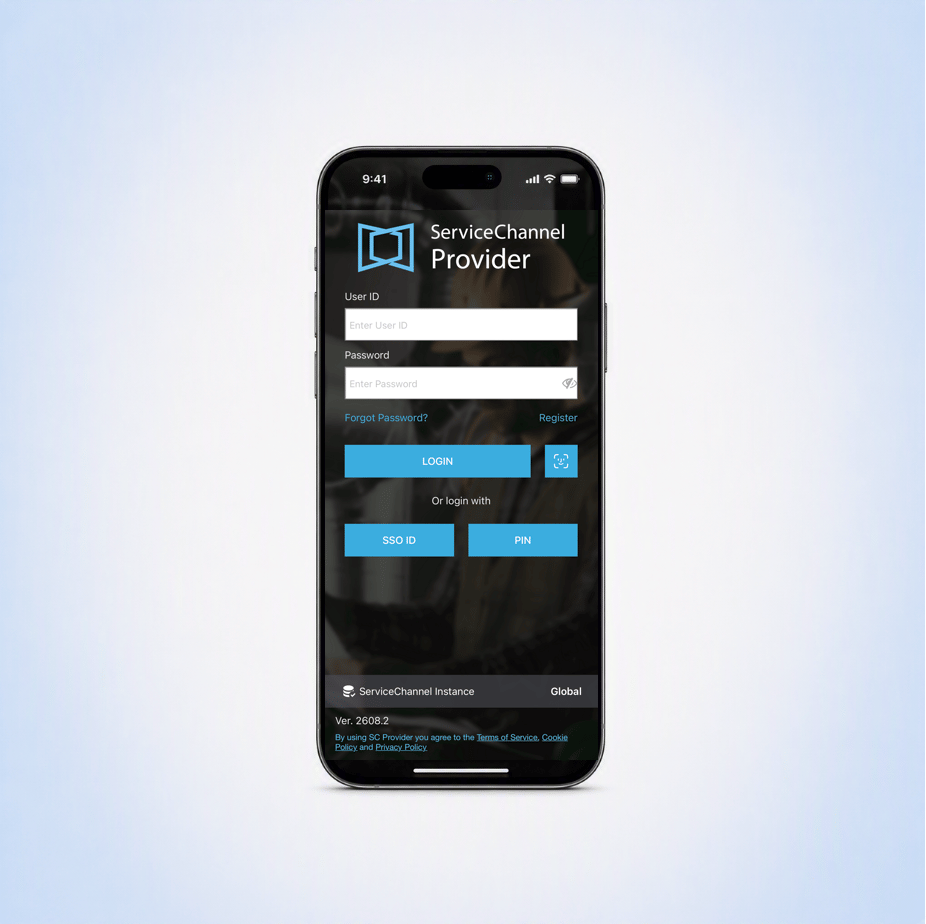
Log in with unique user accounts or shared PIN codes
Keep provider teams and customers aligned without manual follow-up
Real-time updates
Keep everyone informed from dispatch through completion
Keep service records current from dispatch through closeout
Capture customer employee signatures to confirm completed work
Update job status in real time to keep customer and provider teams aligned
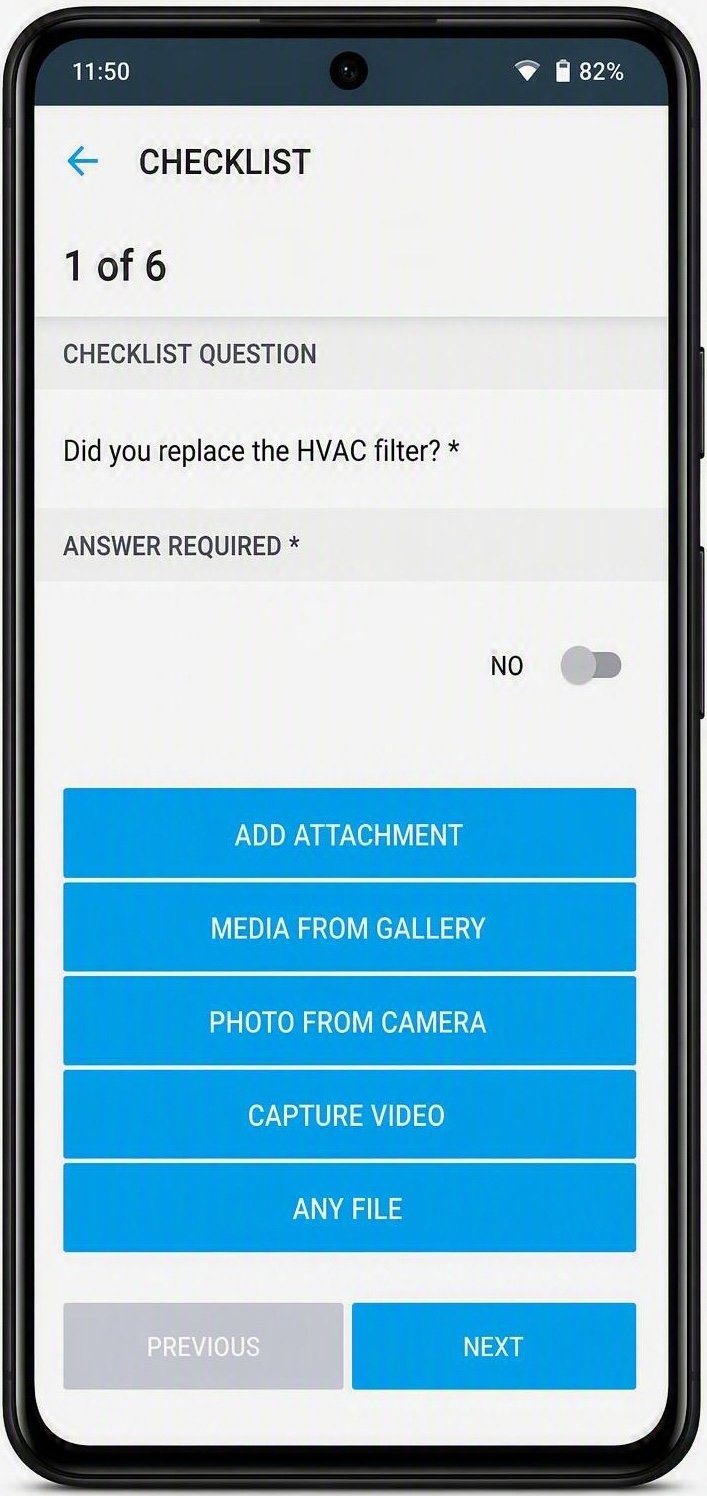
Technicians can answer checklist questions and add photos and documentation to create a complete record of onsite work
Document every service
Capture the details teams need to understand what happened onsite
Guide technicians through required checklist steps after they check in and before they check out to ensure they follow procedures and complete the scope of work
Add work order notes while service is being performed
Upload photos and videos to document issues, completed work, or required follow-up
Keep more detailed service history with field documentation
Track time accurately
Control invoice costs with GPS labor time tracking
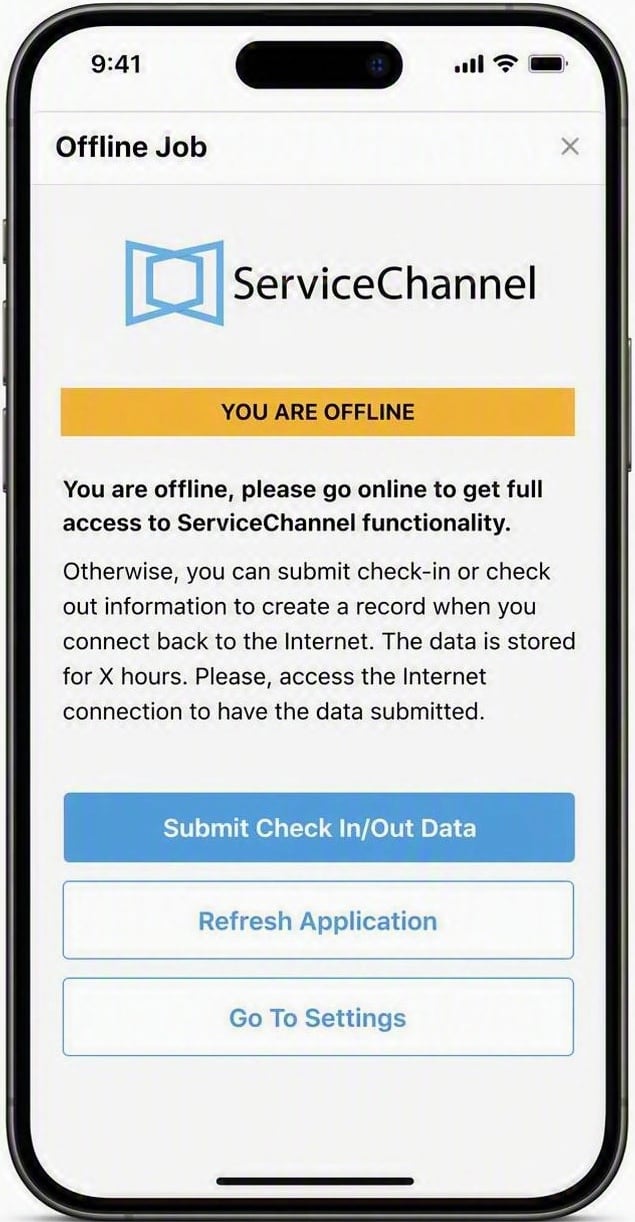
Technicians can check in and check out from the job site using the mobile app, even if they’re offline
Define how far away technicians can check in to a location for accurate time onsite
Help reduce billing disputes with clearer time records
Connect time data to the work order for cleaner invoicing and reporting
Technicians can check in and out of the job site, even if they’re offline
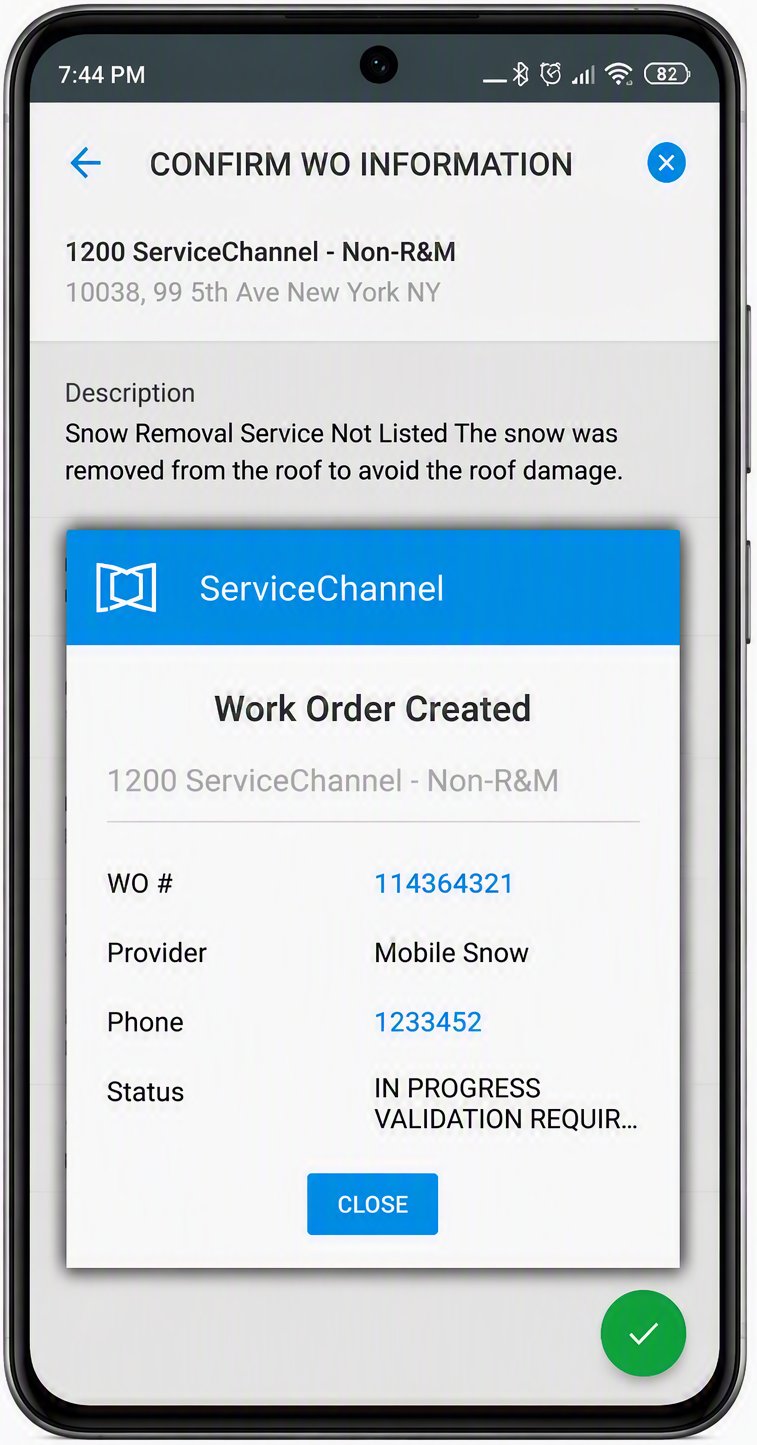
Create and update work orders from the job site to keep service moving
Create work orders
Enable technicians to take action when new issues are found onsite
Create work orders in the field, when enabled by customer configuration
Record work done based on site conditions, like snow plowing or landscaping
Providers can create and edit asset records, if given permission
Create return schedules when additional work is required
Support specialized workflows
Extend mobile field execution across inventory, assets, and compliance
ServiceChannel Provider is a mobile field service app that enables technicians and service providers to manage work orders from anywhere. Technicians can view assigned work, update job statuses, add notes and photos, capture customer signatures, check in and out of jobs, and complete service work directly from their mobile device.
What languages does the ServiceChannel Provider app support?
The ServiceChannel Provider app automatically uses the language configured on the user’s mobile device and currently supports 18 languages:
How does the ServiceChannel Provider app help technicians complete work orders faster?
The ServiceChannel Provider app gives technicians instant access to work order details, customer information, service history, and required documentation in the field. Instead of waiting to return to the office, providers can update statuses, upload photos, record notes, and submit completion information in real time, helping reduce administrative work and speed up service delivery. They can also open work orders directly in-app from the New Service Request email with no manual login or search required.
Can providers update work order statuses from their mobile device?
Yes. The ServiceChannel Provider app allows technicians to receive work orders and update statuses while onsite. Providers can communicate progress in real time, helping facility managers and customers understand whether work is scheduled, in progress, pending follow-up, or complete without relying on phone calls or emails.
Does the ServiceChannel Provider app support photo documentation and service notes?
Yes. Technicians can add notes and upload photos directly from the job site. This creates a complete record of the work performed, improves communication between customers and providers, supports invoice validation, and helps maintain accurate service histories for facilities and assets.
How does the ServiceChannel Provider app improve time tracking and invoicing accuracy?
The ServiceChannel Provider app includes mobile time-tracking capabilities that allow technicians to track work hours while onsite. Geolocation-based check-in and check-out helps document when work begins and ends, creating more accurate service records and helping reduce invoice disputes and manual reconciliation.
What other ServiceChannel solutions work with the ServiceChannel Provider app?
The ServiceChannel Provider app can support additional workflows based on customer configuration, including asset management, parts inventory management, refrigerant leak tracking, mobile work order creation, and return scheduling. This allows providers to update asset records, document compliance-related activities, manage inventory usage, and complete specialized field service workflows from a single mobile app.
SEE ALSO
Assets
See how ServiceChannel connects every asset across your portfolio — equipment records, service history, warranties, maintenance costs, and performance data — in one centralized system of record built to support smarter repair, replacement, and capital planning decisions.