Get real-time visibility into parts, materials, stock levels, usage, and spend — all in one place. The Inventory module connects your storerooms, work orders, technicians, and purchasing workflows so you can keep the right parts available, reduce emergency buys, and make smarter replenishment and budgeting decisions.
Reduce downtime and emergency spend
Track parts availability across your portfolio to prevent stockouts, reduce rush orders, and keep repairs moving.
Make smarter stocking decisions
Compare usage trends, carrying costs, and part criticality to determine what to stock, where to stock it, and when to reorder.
Control inventory costs
Standardize parts, monitor spend, and reduce excess inventory so you can lower carrying costs without sacrificing service levels.
Highlights
Track parts and supplies across locations, storerooms, and trucks
See real-time stock levels, usage, transfers, and replenishment needs
Ensure technicians arrive onsite with the right parts for the job
Set min/max levels and reorder points by part, location, or asset type
Link parts directly to work orders for better cost tracking and repair history
Reduce stockouts with automated alerts when inventory falls below threshold
Standardize part catalogs to reduce duplicate SKUs and improve purchasing control
See how Freshpet keeps equipment up and running
With the higher quality data available to us, we know how much we’re spending on any asset and making smarter decisions based on real data.
The ServiceChannel Inventory module makes it easy to get a real-time handle on parts and supplies. It helps teams track what they have, where it is, how it’s being used, and when it needs to be replenished.
Manage detailed inventory records and stock levels across your entire portfolio
Manage records
Create a complete, accurate system of record for parts, materials, and supplies across your organization
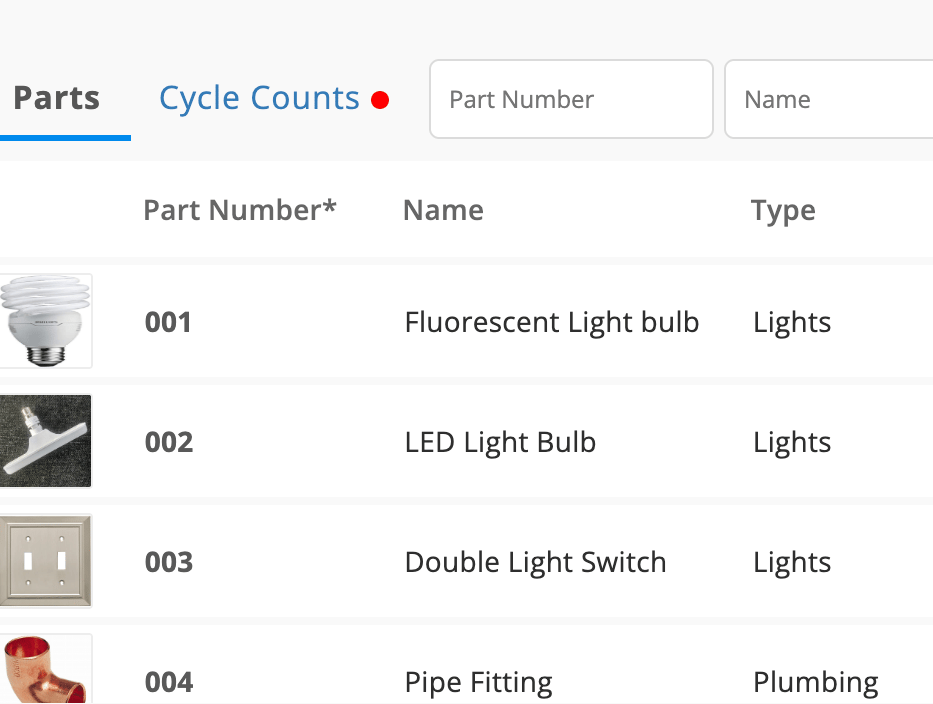
Track part name, SKU, category, manufacturer, vendor, cost, quantity, and location
Organize inventory by storeroom, site, truck, region, or operating group
Attach photos, documentation, and part-specific notes
Import inventory records in bulk for faster onboarding and updates
Standardize required fields to improve data quality and reporting consistency
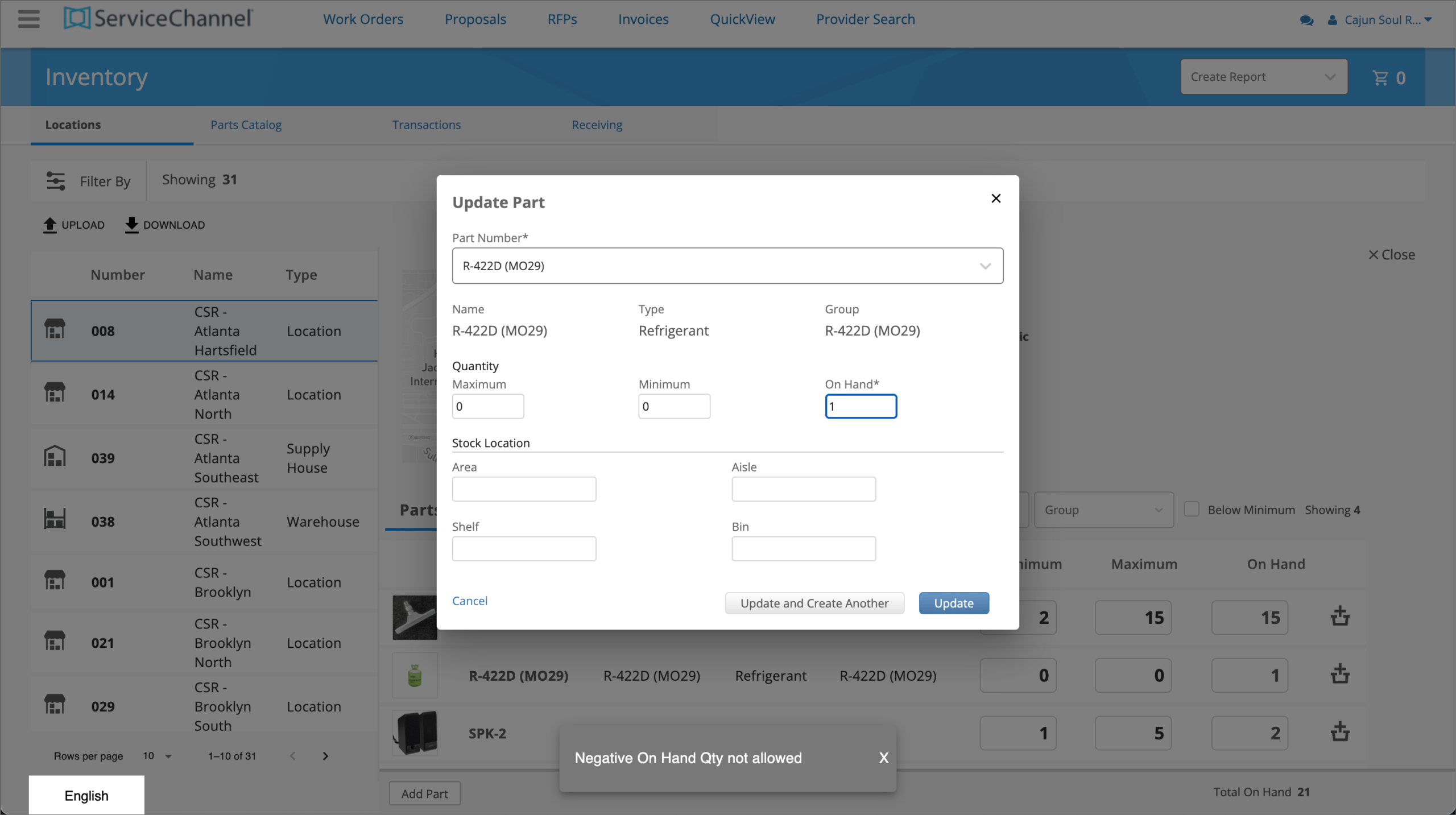
Set minimum and maximum stock levels by part or location
Track inventory
Know what you have, where it came from, and where it’s going
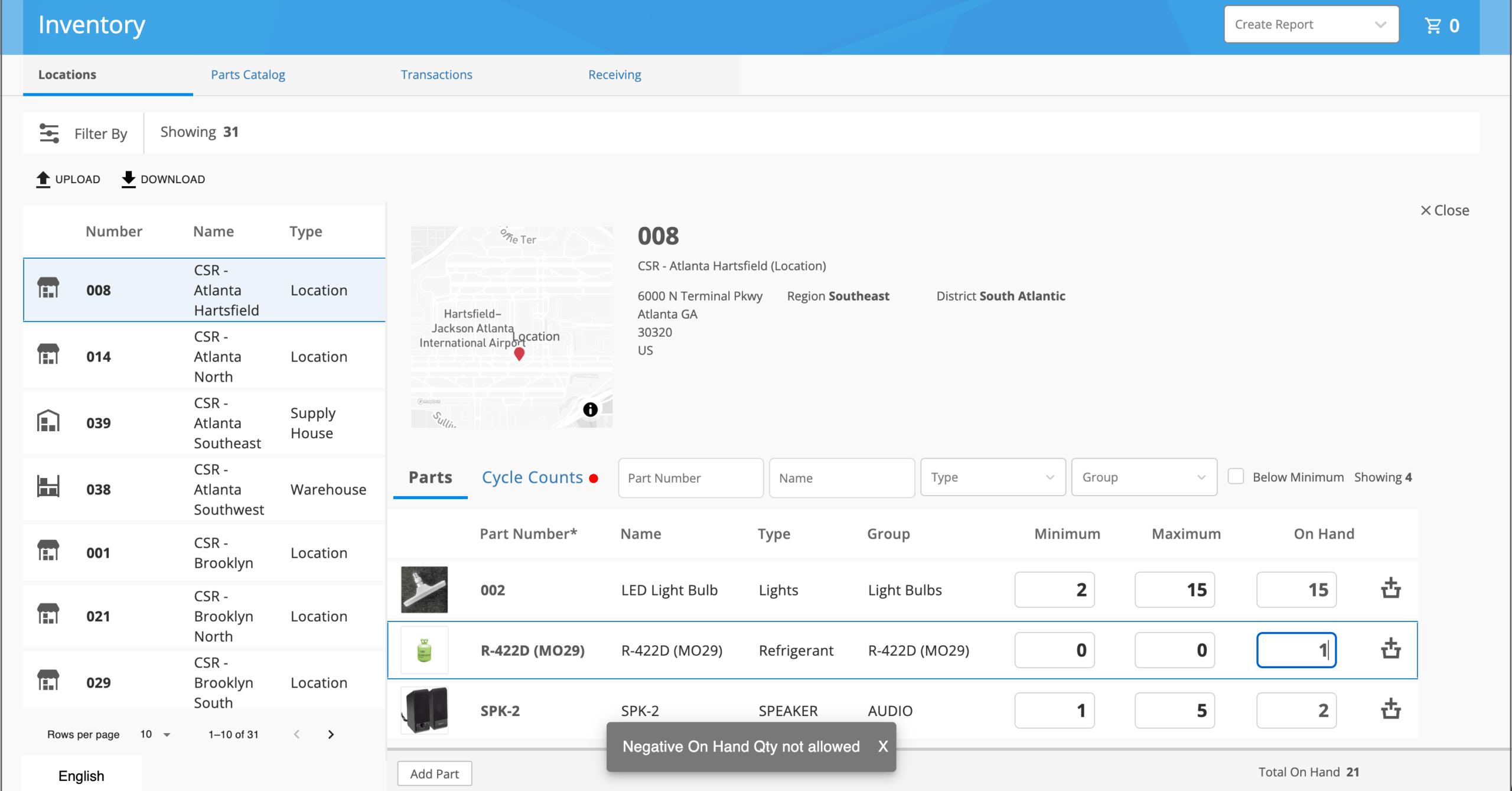
View real-time quantities on hand across all locations
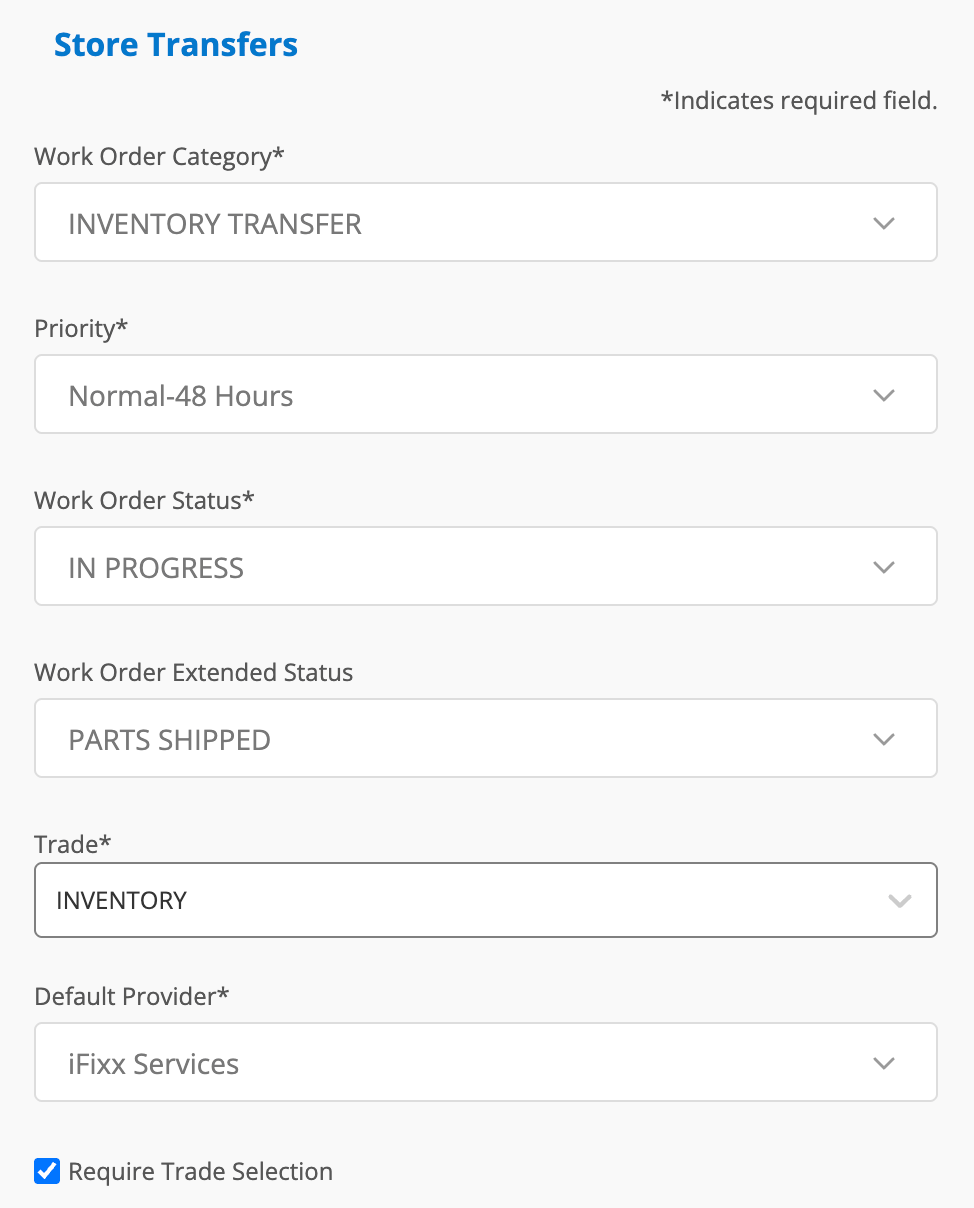
Track inventory movement, transfers, adjustments, and consumption
Receive alerts when inventory falls below reorder thresholds
Perform cycle counts and reconcile physical inventory with system records
Give technicians visibility into part availability before work begins
Maintain a complete audit trail of inventory activity and changes
Monitor stock levels, inventory movement, and replenishment needs in real time
Connect parts inventory, assets, and work orders for visibility to spend
Link parts to work orders
Turn every repair and preventive maintenance event into inventory intelligence
Link parts usage to work orders and assets
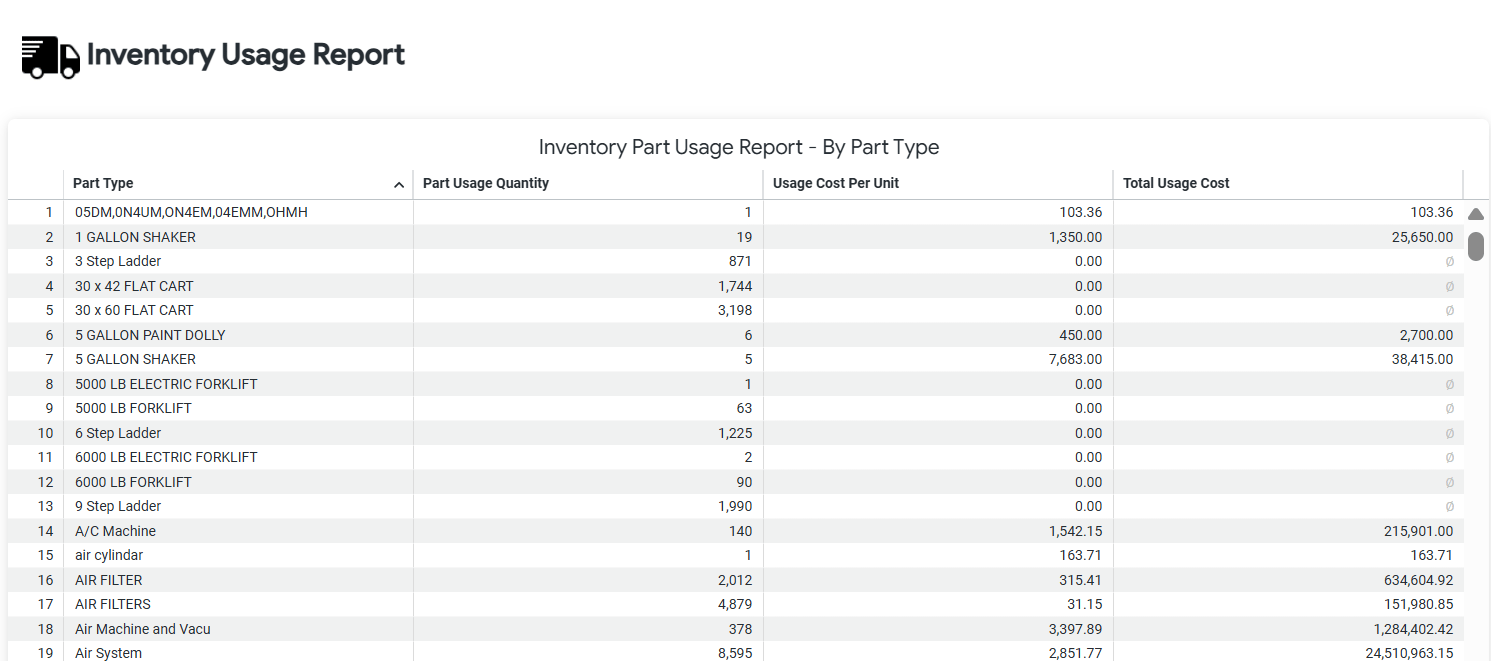
Track parts consumption by asset, provider, technician, and location
Improve job costing by associating inventory usage with completed work
Build a complete service history that includes parts, labor, and repair costs
Optimize replenishment
Keep critical parts available while reducing excess inventory
Automate reorder alerts based on inventory thresholds
Forecast replenishment needs based on usage trends
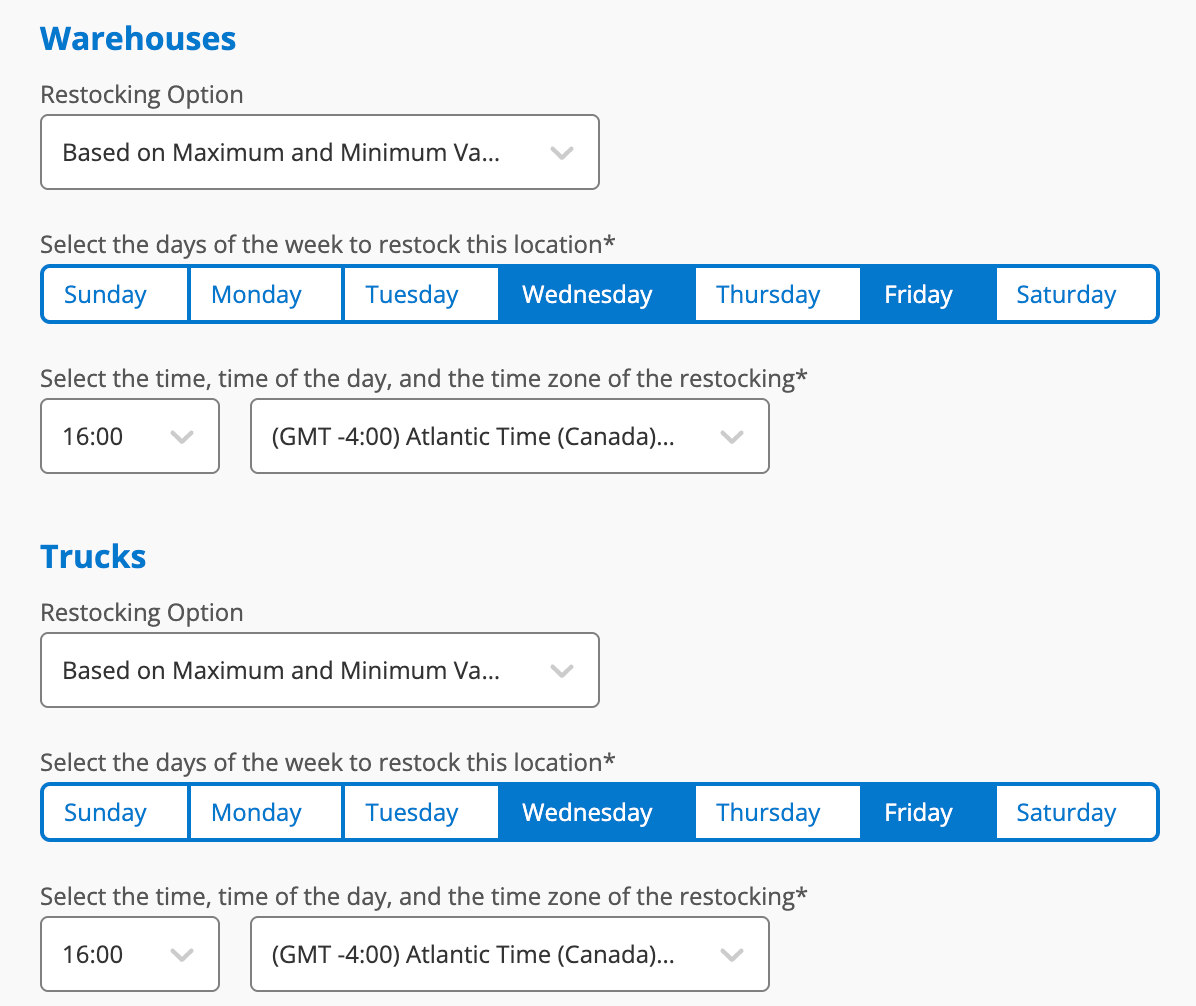
Set restocking schedules based on minimum part quantities
Compare demand across locations, regions, and asset categories
Reduce emergency purchases and stockouts
Reduce overhead by minimizing on hand quantities for slow-moving parts
What is inventory management software for facilities maintenance?
Inventory management software helps facilities teams track, manage, and optimize parts, materials, and supplies used for maintenance and repair work. The ServiceChannel Inventory module provides real-time visibility into inventory levels, usage, locations, and costs, helping organizations reduce stockouts, control spend, and ensure technicians have the parts they need to keep assets running.
How does inventory management help reduce maintenance costs?
Effective inventory management helps reduce maintenance costs by preventing emergency purchases, minimizing excess inventory, and improving parts availability. By tracking usage patterns, stock levels, and inventory spend across locations, ServiceChannel helps facilities teams make smarter purchasing decisions, reduce carrying costs, and avoid unnecessary downtime caused by missing parts.
Can I track inventory usage by work order and asset?
Yes. ServiceChannel Inventory connects directly to work orders and assets, allowing you to track which parts were used, where they were used, and how much they cost. This creates a complete maintenance record for every asset and provides valuable insights into repair history, total maintenance costs, and inventory consumption trends.
How does ServiceChannel prevent inventory stockouts?
ServiceChannel helps prevent stockouts by providing real-time inventory visibility and automated replenishment alerts. Organizations can configure minimum and maximum inventory thresholds, monitor usage trends, and identify high-demand parts before supplies run low. This helps ensure critical inventory is available when maintenance teams need it most.
Can ServiceChannel help optimize spare parts inventory?
Yes. The Inventory module helps organizations optimize spare parts inventory by identifying slow-moving items, high-usage parts, and excess stock across locations. Inventory analytics enable facilities teams to maintain appropriate inventory levels, reduce carrying costs, and improve service readiness without overstocking.
How does inventory management improve preventive maintenance programs?
Preventive maintenance programs are more effective when the required parts and materials are available before work begins. ServiceChannel Inventory aligns inventory planning with preventive maintenance schedules, helping organizations ensure technicians have access to the right parts at the right time, reducing delays and improving asset uptime.
Can ServiceChannel Inventory integrate with procurement systems?
Yes. ServiceChannel Inventory can support integrated asset management and procurement workflows. Many of our customers integrate with procurement systems to sync inventory levels with purchasing.
By connecting inventory data with maintenance operations and purchasing processes, organizations can reduce manual data entry, improve inventory accuracy, and create a more efficient facilities management program.
Where can I learn more about ServiceChannel Inventory?
To learn more about ServiceChannel Inventory and how it helps facilities teams manage parts, control inventory costs, and improve maintenance operations, contact a ServiceChannel expert or request a personalized demo. Our team can show you how Inventory works alongside Assets, Work Orders, Preventive Maintenance, and other ServiceChannel solutions to improve operational performance across your portfolio.
SEE ALSO
Field Technicians
See how the Field Technicians module simplifies scheduling, cuts idle and travel time, and gets urgent work in front of the right tech first.