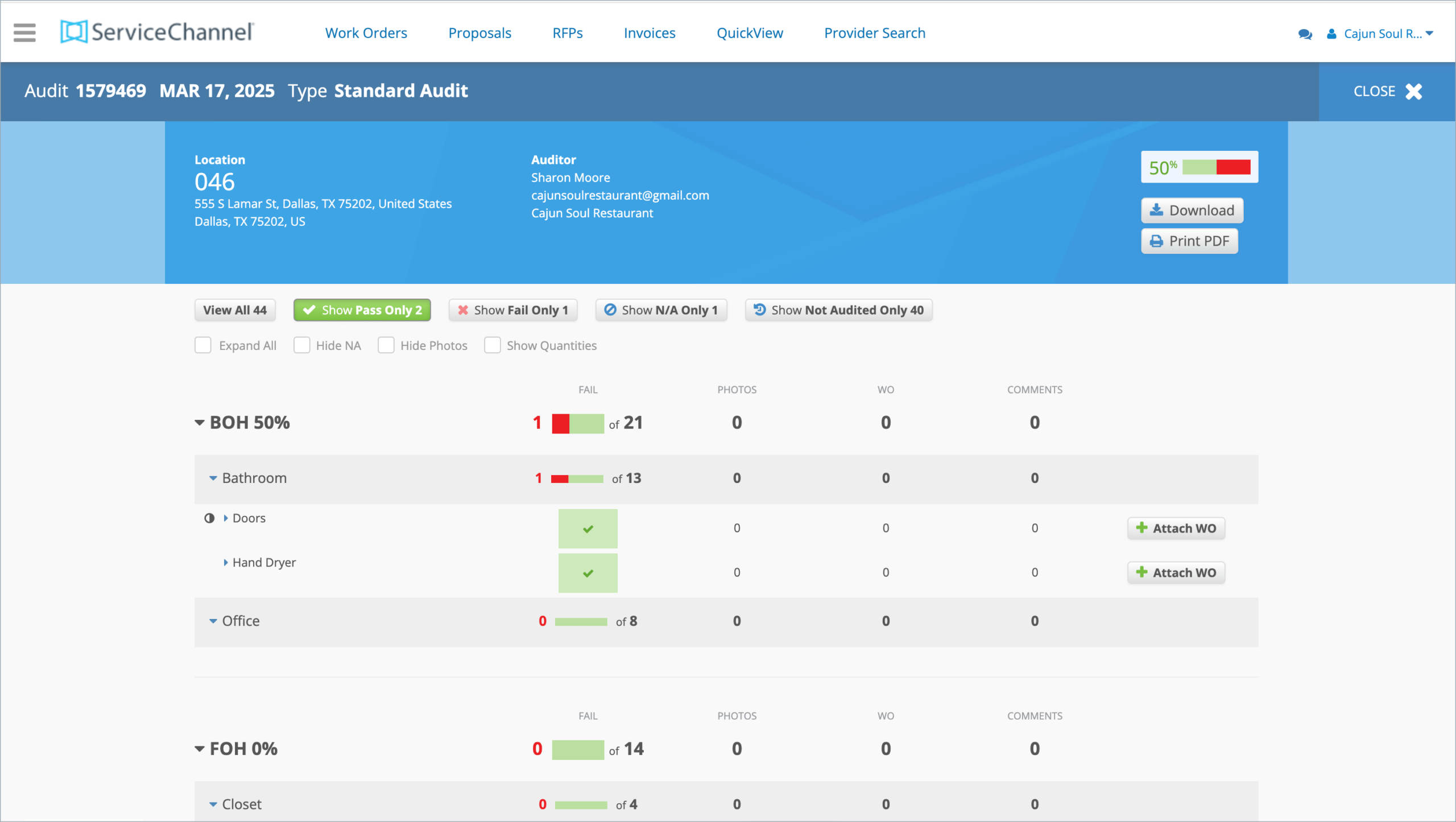
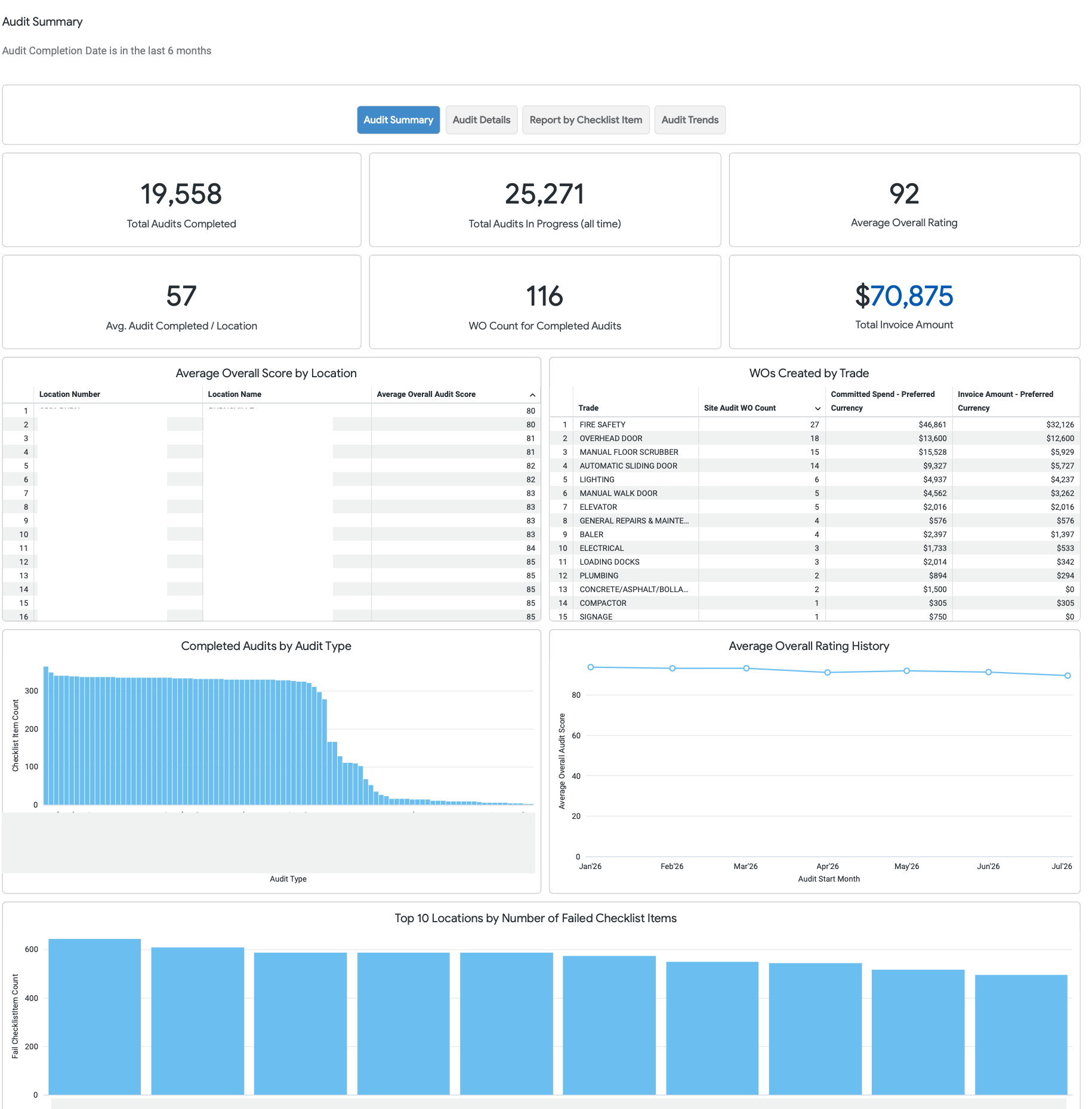
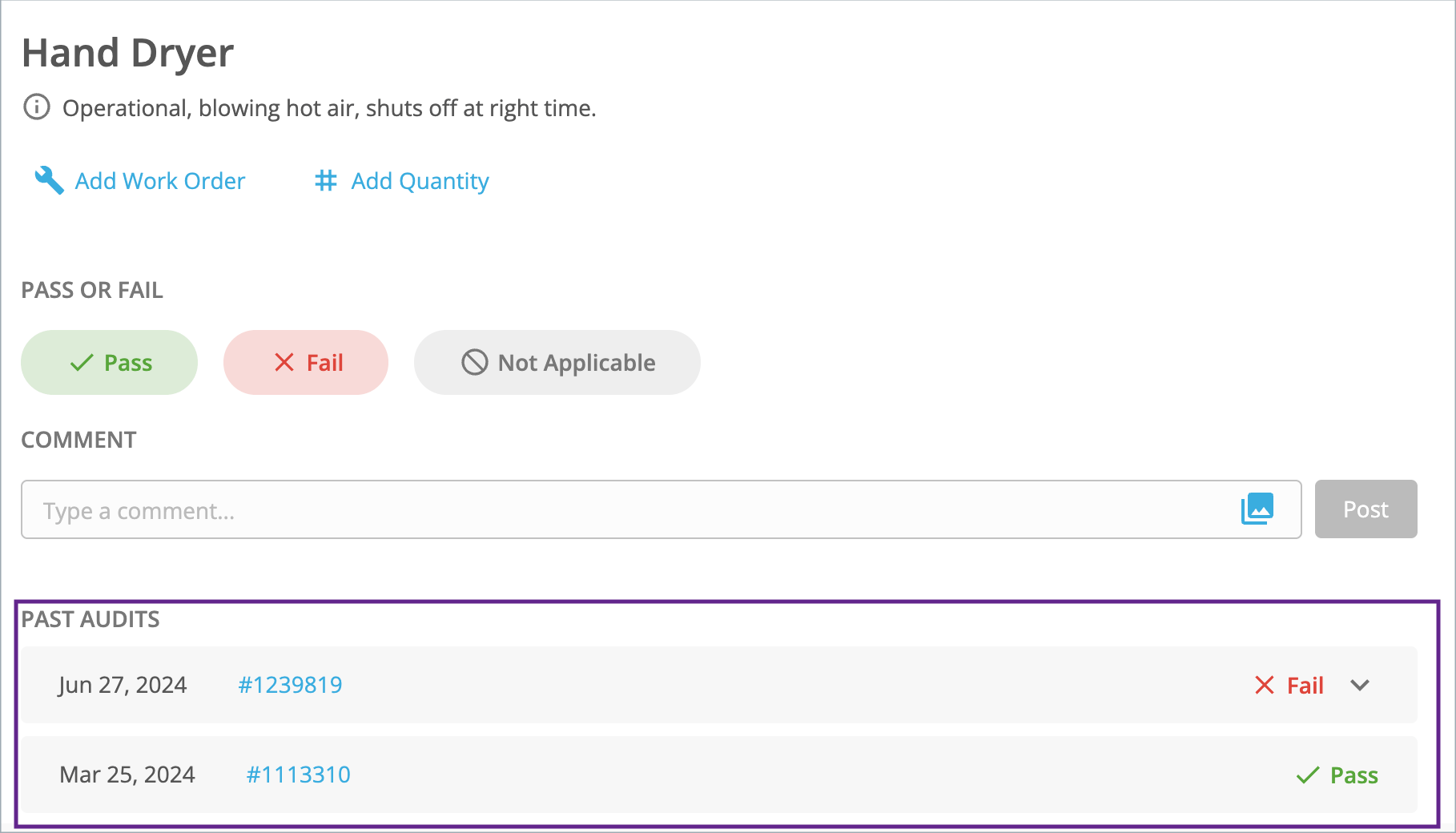
Get real-time visibility into site conditions, compliance status, and operational risks — all in one place. The Site Inspections & Audits module connects your locations and work orders to help you identify issues early, enforce standards, and drive consistent execution across your portfolio.
Protect brand image at every site
Perform inspections across all locations to enforce brand standards and ensure a consistent customer experience.
Catch issues before they escalate
Identify defects, hazards, and maintenance needs early to prevent costly failures, downtime, or compliance violations.
Drive accountability across teams
Assign corrective actions instantly and track completion to ensure nothing falls through the cracks.
Highlights
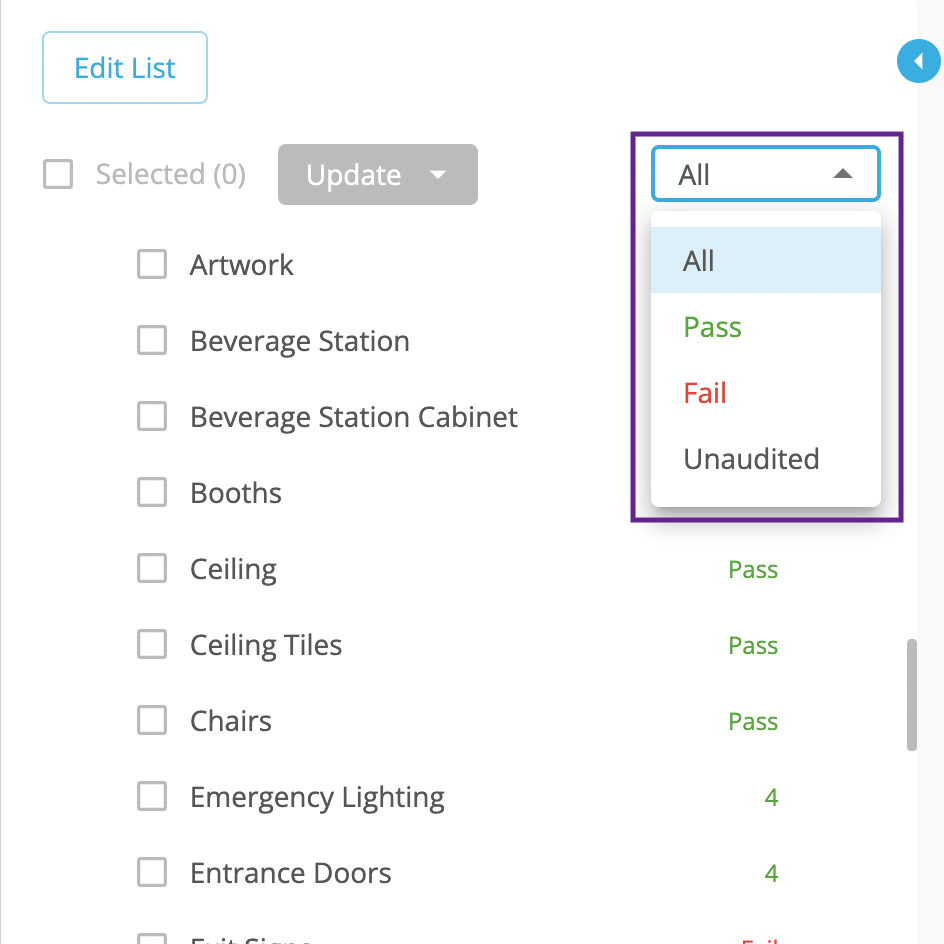
Standardize inspections with configurable digital forms and checklists
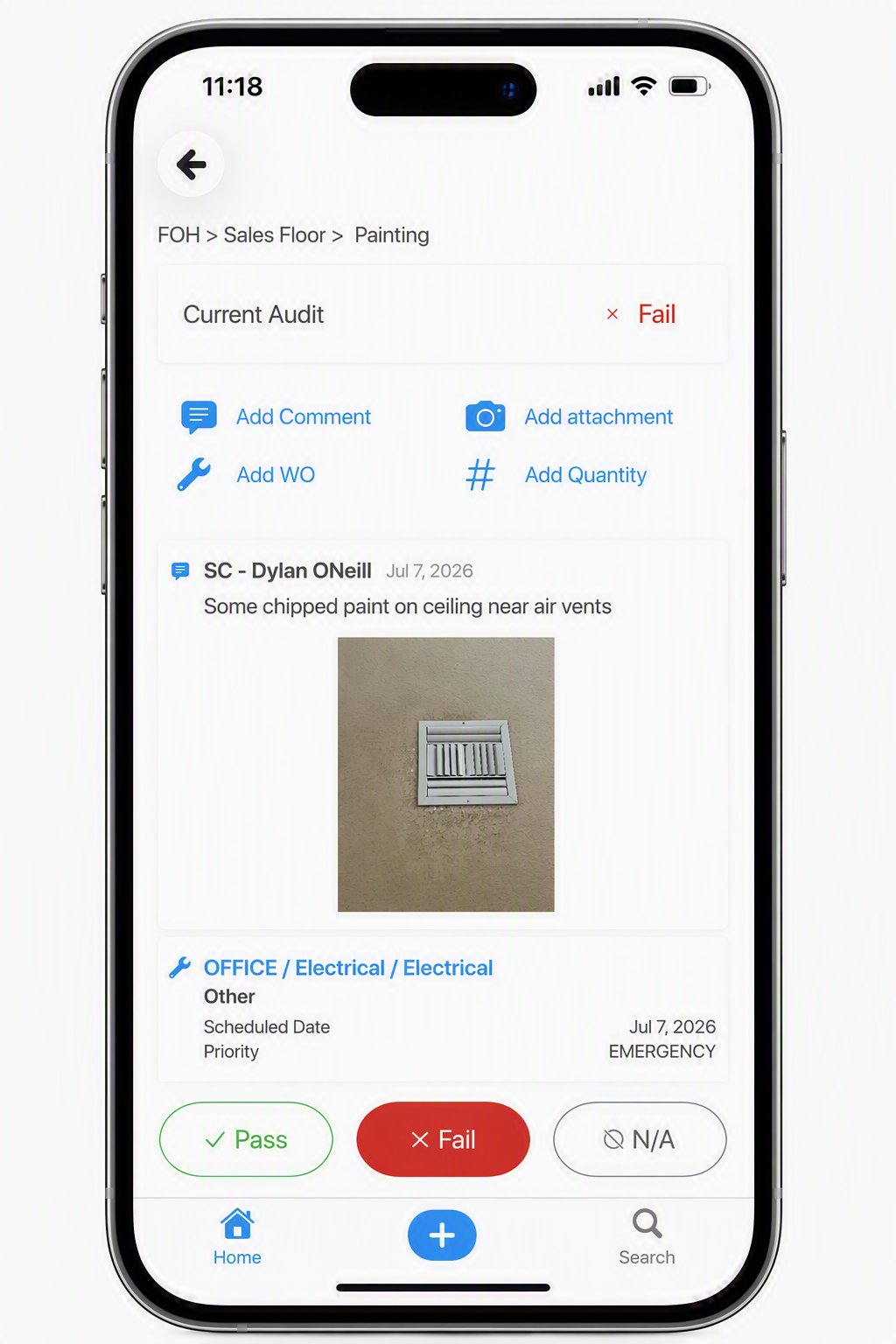
Capture photos, notes, and deficiencies directly from mobile devices
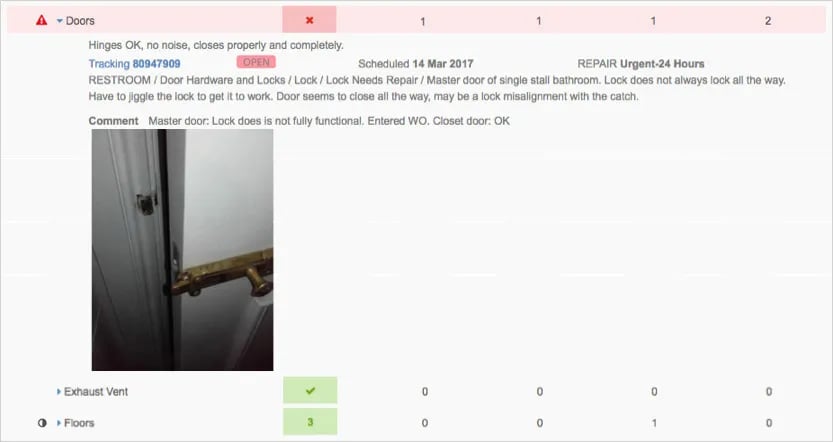
Automatically generate work orders from failed inspection items
Track compliance across locations, regions, and programs in real time
Monitor completion rates, scores, and audit trends across your portfolio
Maintain a complete audit trail with timestamps, documentation, and history
Trigger alerts for critical failures, missed inspections, or compliance risks
See how Tops Market keeps brand standards high
We went from having almost no process to now having instant visibility… it changed the entire way we do business.
Craig DeGroat
Maintenance Specialist at Tops Market
The ServiceChannel Site Inspections & Audits module gives you visibility to site conditions, compliance, and operational risks across your portfolio. It automates inspection workflows and issue tracking, helping teams identify problems early, enforce standards, and drive corrective action across every location.
Digitize inspections
Replace paper-based processes with standardized, mobile-first inspections
Create customizable checklists for safety, maintenance, compliance, and brand standards
Use conditional logic to guide inspectors through dynamic inspection workflows
Ensure consistent data capture across all locations and teams
Require recurring inspections for each location at your desired frequency
Standardize inspections with digital checklists and mobile workflows
Capture and document issues instantly during site inspections
Capture issues in real time
Document problems accurately and immediately in the field
Capture photos, videos, and detailed notes for every issue
Flag failed items and categorize deficiencies on the spot
Add severity levels to prioritize urgent repairs
Allow internal teams to complete inspections via mobile
Automate corrective actions
Turn inspection findings into action without manual follow-up
Automatically generate work orders from failed inspection items
Assign issues to providers or internal teams immediately
Track resolution progress from creation to completion
Ensure faster response times and fewer unresolved issues
What is site inspection software and how does it work?
Facilities inspection software is a digital solution that helps organizations standardize, execute, and track inspections across locations. It replaces paper checklists with mobile forms, enabling teams to capture issues, document conditions, and ensure compliance in real time. By centralizing inspection data, organizations gain better visibility, reduce risk, and improve operational consistency.
With ServiceChannel, users can:
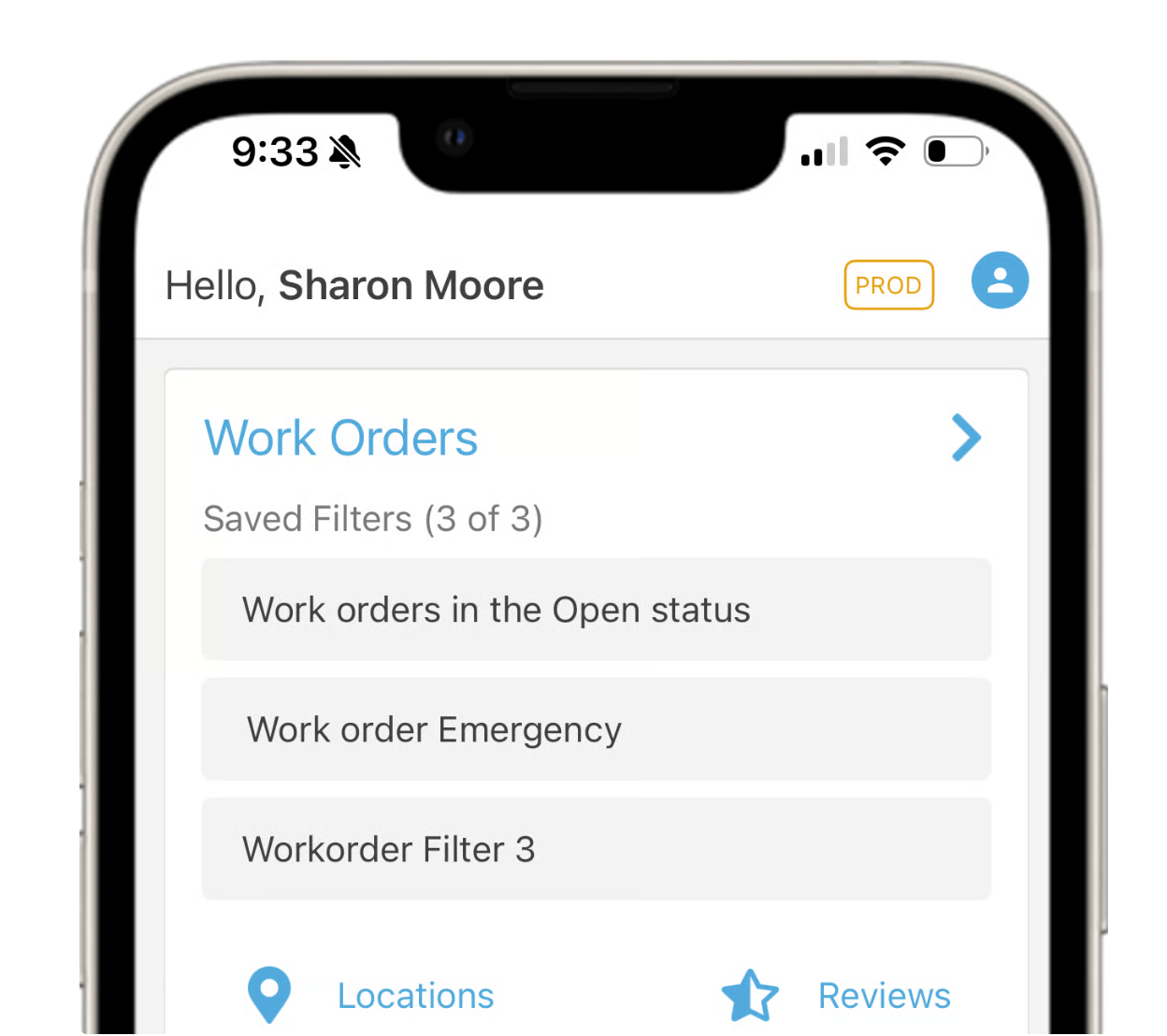
Convert audit findings into work orders for resolution
Complete inspections using structured templates
Capture scores, notes, and photos in real time
How do inspections trigger work orders in ServiceChannel?
ServiceChannel automatically converts failed inspection items into work orders. When an issue is flagged during an inspection, it can be routed to the appropriate provider or team for resolution. This eliminates manual follow-up, accelerates response times, and ensures that issues identified during inspections are quickly addressed. You can:
Generate work orders directly from failed inspection items
Route issues to the appropriate provider or team
Track resolution and verify completion
This ensures inspections lead directly to action—not just reports.
Can I standardize inspections across multiple locations?
Yes. ServiceChannel makes it easy to create standardized inspection programs while still allowing you to customize templates for your unique operational, safety, compliance, and brand requirements. Whether you’re managing dozens or thousands of locations, you can maintain consistency, improve reporting, and scale inspections efficiently across your portfolio.
Support hundreds or thousands of locations with standardized workflows and centralized oversight
Create standardized inspection templates and deploy them across all locations
Customize checklists to align with brand standards, safety programs, and compliance requirements
Organize inspections by area, checklist, and item for a structured inspection process
Ensure consistent data collection for easier reporting, benchmarking, and trend analysis
Assign inspections to internal teams or service providers
Update templates centrally as requirements evolve
Support hundreds or thousands of locations with standardized workflows and centralized oversight
How can I track inspection results across locations?
Inspection data is centralized so you can monitor performance across your entire portfolio.
View results by site, region, or program
Identify recurring issues and trends
Compare performance across locations
This helps prioritize improvements and drive consistency.
How does inspection software help with compliance audits?
Inspection software helps teams stay audit-ready by capturing and organizing all inspection data in one place.
You can:
Maintain a complete record of inspections and results
Store supporting documentation and photos
Quickly provide proof of completion during audits
This reduces compliance risk and simplifies audit preparation.
SEE ALSO
ServiceChannel Mobile
With the ServiceChannel app, you’re never more than a tap away from your work orders. Onsite or on the road, make every minute of your day productive and ensure issues are resolved promptly.