Everything you need to keep facilities running from your phone
With the ServiceChannel App, your locations and work orders are always one tap away. Onsite, on the road, or between meetings – see every issue, every approval, and every asset in real time.
Take care of every location from anywhere
Location staff and corporate teams handle every facilities task on the go, including asset lookups, work order updates, proposal reviews, and invoice approvals.
Help is just a tap away for location staff
Anyone can request service in their own words – no training required – and ServiceChannel AI helps you dispatch the right provider, prepared.
Track assets onsite to reduce cost of ownership
Scan an asset or snap a photo to update your registry, so the next service call starts with accurate data, not guesswork.
Take a tour
Highlights
Report issues quickly to speed time to resolution
Creating a work order is as simple as scanning the QR code on an asset tag
Eliminate unnecessary work orders through guided troubleshooting
See all upcoming provider visits at a specific location
Approve proposals and invoices to keep work moving forward
Stay in the loop with configurable push notifications
Scan asset tags to identify asset warranties before you create a work order
Available in 18+ languages for global rollouts
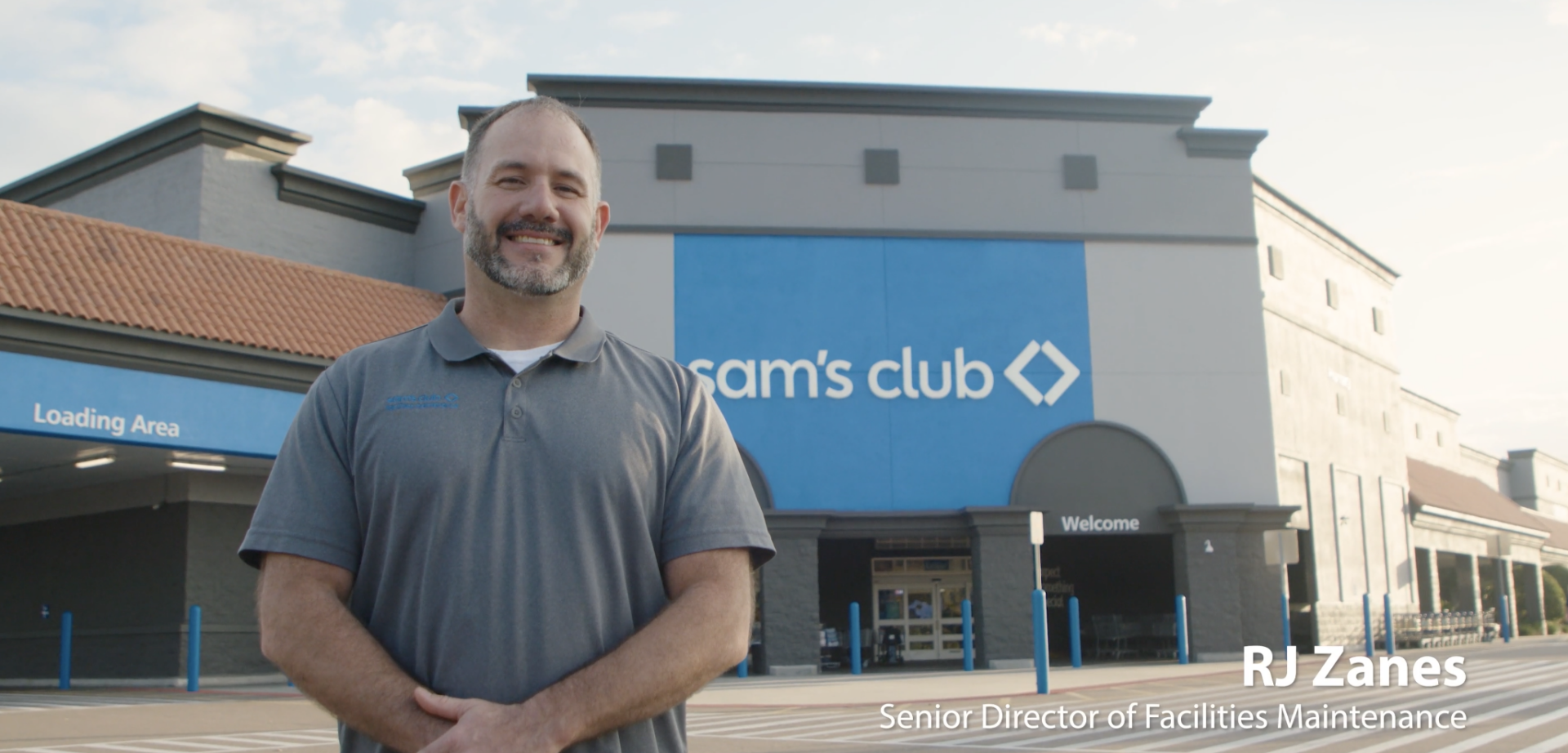
See how Sam’s Club tracks assets in the field
I’m on ServiceChannel every few minutes, and can check on any specific work order or any specific asset, right from my fingertips.
RJ Zanes
Senior Director of Facilities Maintenance, Sam's Club
ServiceChannel Mobile puts assets, work orders, proposals, and invoices a tap away – plus faster resolutions with embedded ServiceChannel AI.
Location operations
Empower onsite teams to create and update work orders, troubleshoot issues, and provide real-time feedback
Guide your location staff through troubleshooting steps
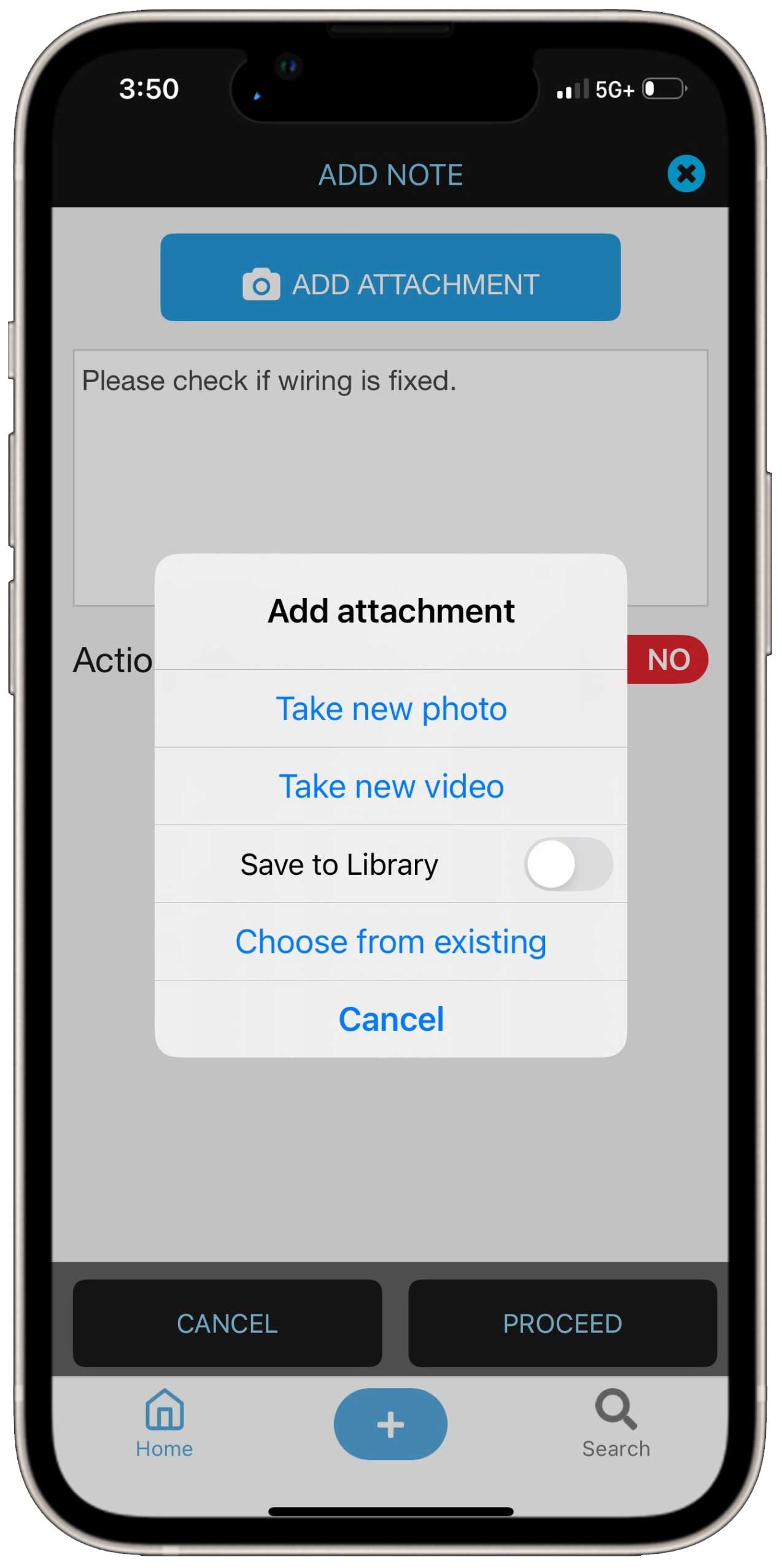
Add photos and videos to work orders to drive faster resolution
Alert staff when providers check in and out
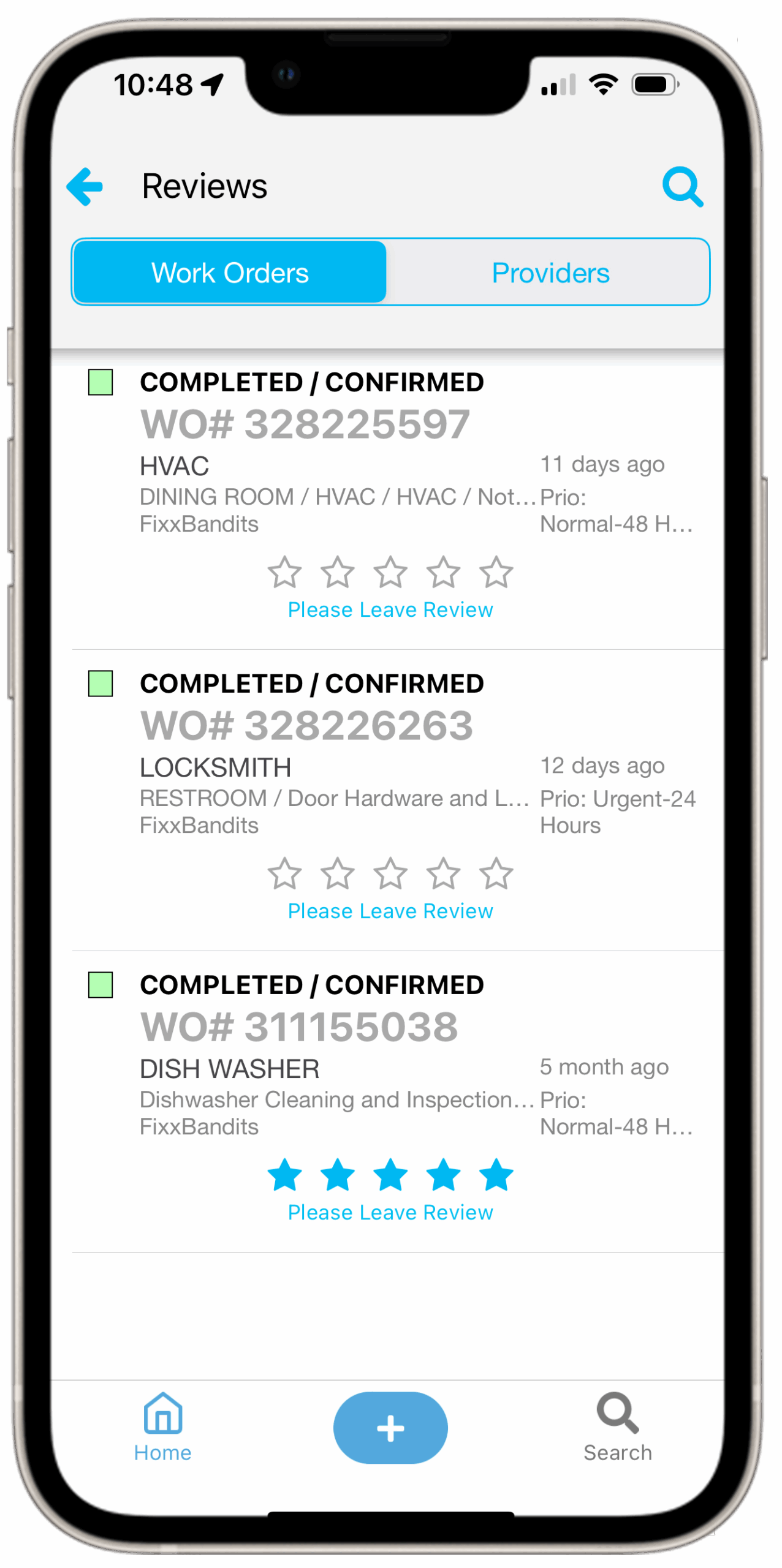
Enable staff to give feedback on providers
Approve proposals and invoices on the go, including multi-level invoice approvals routed to your phone
Work orders & proposals
Spot issues early, create work orders at the tap of a button, and review proposals to keep work flowing smoothly
Get up to speed quickly with AI summaries of what’s happened and what’s next for every work order
Catch wrong trades and likely proposals with work order anomalies before dispatch and delays
Location staff describe the problem in their own words – or upload a photo – and ServiceChannel AI scopes the work order with the right trade, problem, and priority pre-filled
Review status, make updates, and add notes to work orders
Filter by priority, status, provider, category, trade, location note, time period, amount, line item, district, or assignee
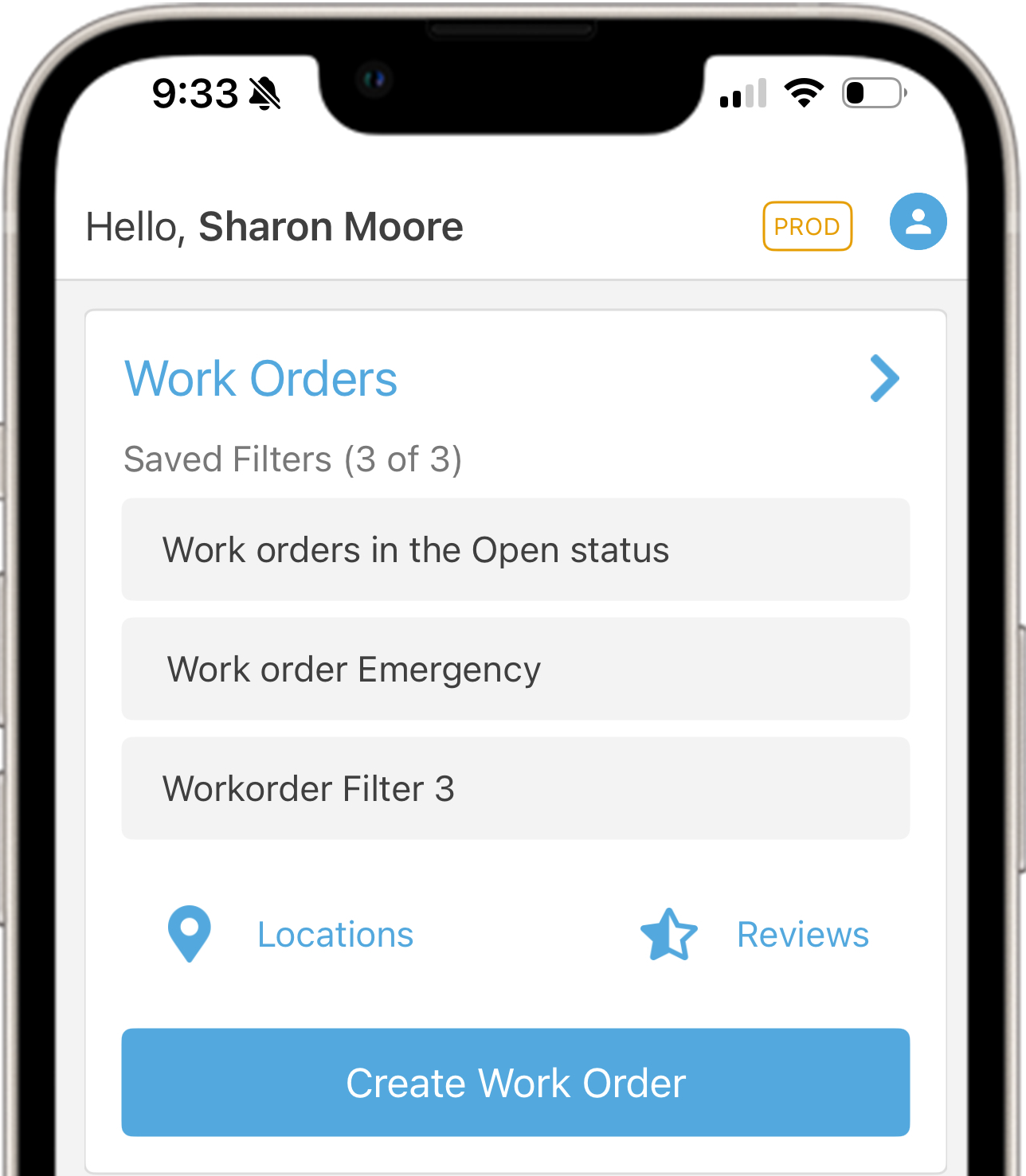
Show up to three saved filters on your custom homepage
Assets
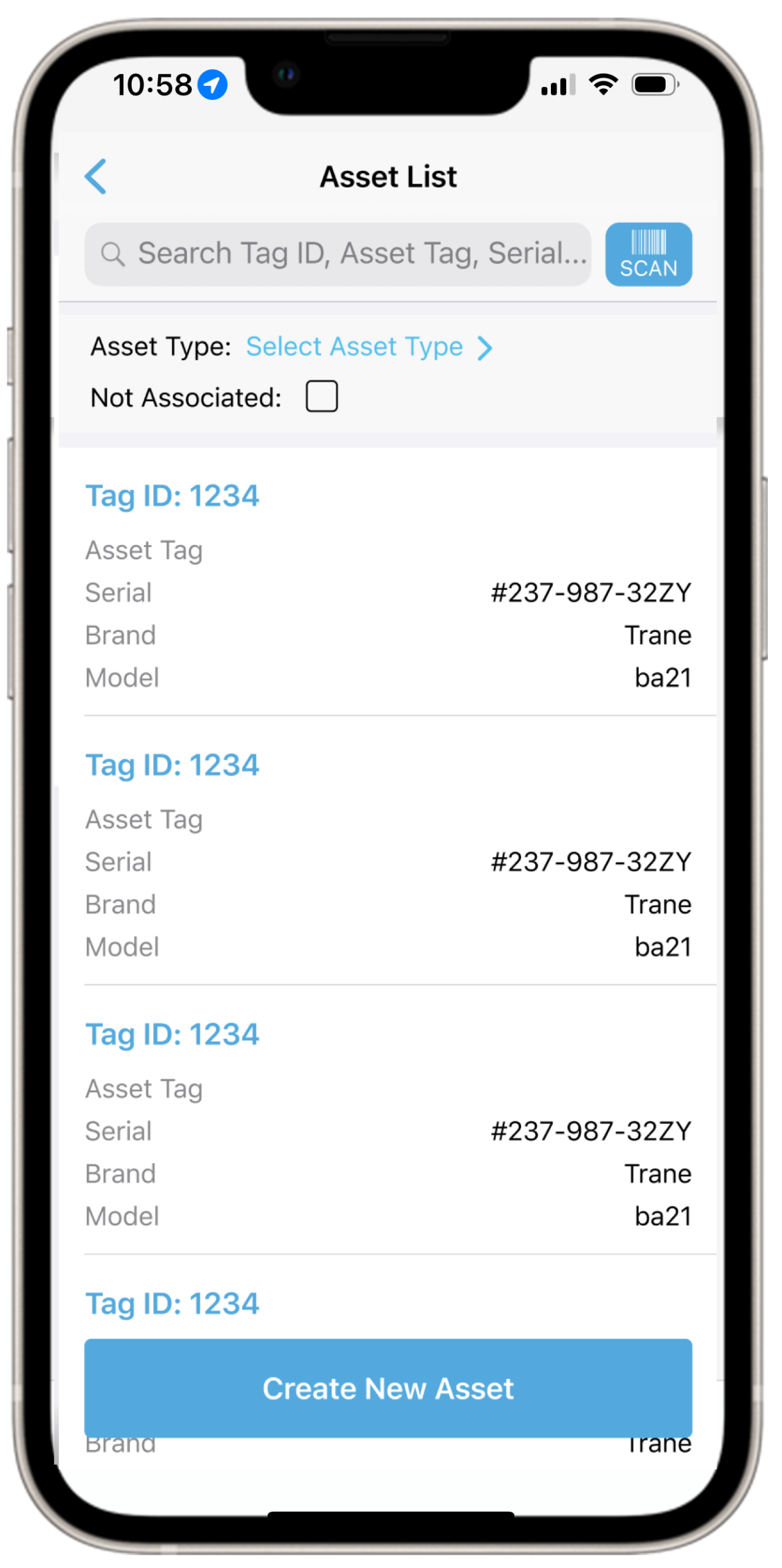
Manage your assets in the field to keep data current
Create work orders instantly by scanning asset tags
View, create, and edit asset records
You or your providers can update your asset data with Asset Validation
Surface asset warranties at scan time so warranty work goes to the warranty provider
Site Audits
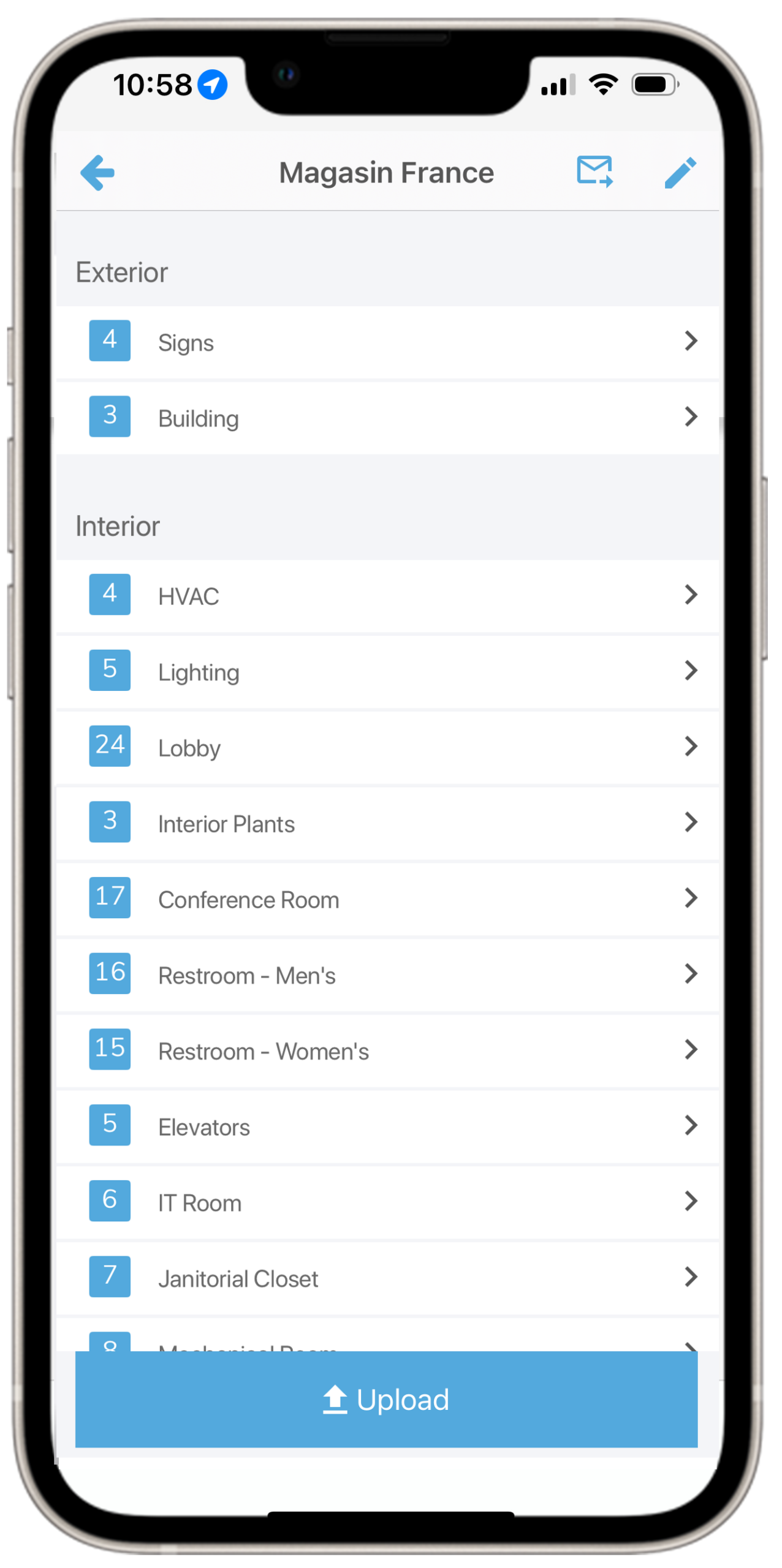
Quickly conduct store inspections to keep standards high
Add scores, notes, and photos to document conditions against your brand standards
Convert audit findings into work orders with one tap
Access completed audits with all scores, comments, and attachments visible
Build audits from predefined templates organized by Area > Checklist > Item
Email audit reports directly from the app
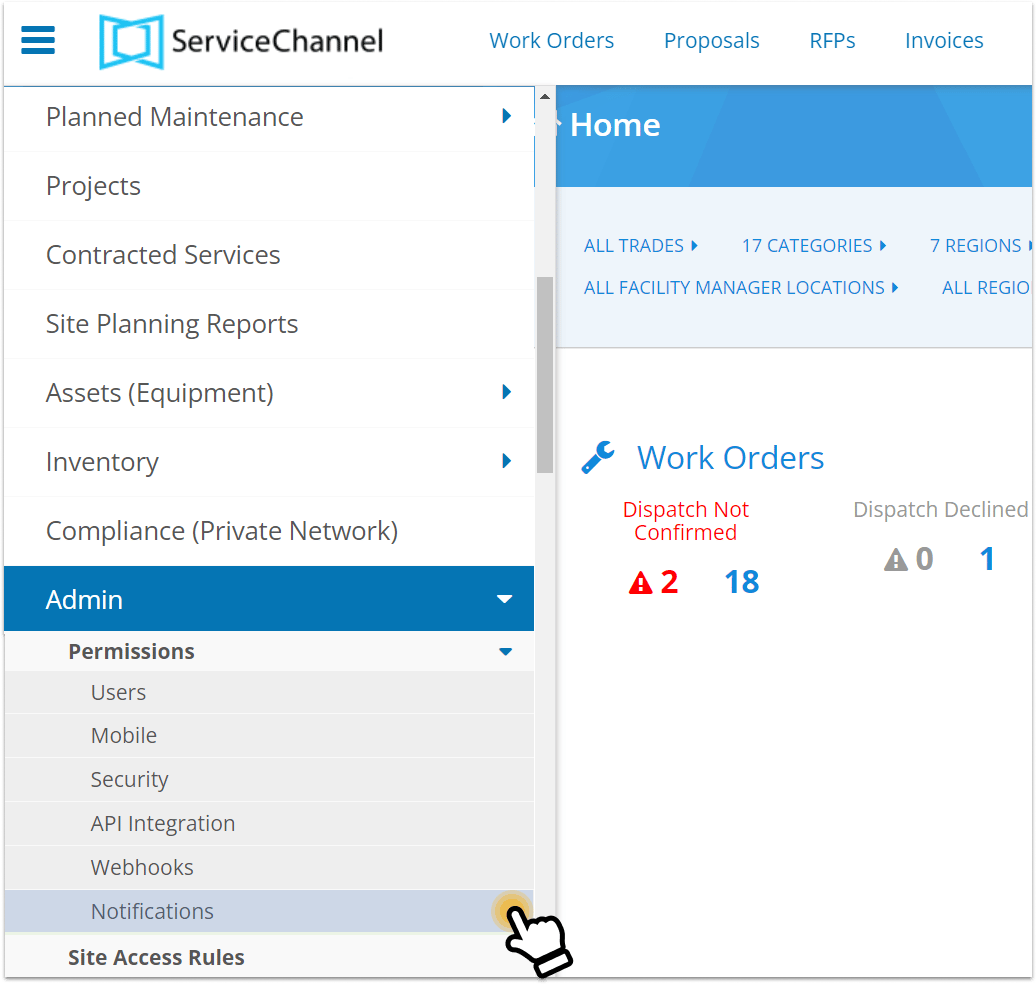
Configure notifications in Admin settings
Notifications and alerts
Configurable push notifications keep teams on top of every work order
Work order assignments and status changes
Contractor check-in / check-out alerts
Site access scheduled visit reminders
Work order notes posted by providers or location staff
Configure notification types per role in the Alerts module
My favorite feature is the mobile app. Attaching photographs before the service provider shows up saves us a ton of time with pinpointing issues, identifying parts, and more.
Joel Elsea
Director of Facilities at Curo Financial
FAQs
Frequently Asked Questions about the ServiceChannel Mobile app
The ServiceChannel Mobile app is available on Apple iOS or Android.
Who can use the app?
The ServiceChannel mobile app is designed for the location staff and corporate teams that request service and manage facilities, while the ServiceChannel Provider app is built for the third-party providers and in-house technicians that perform work in the field.
Location staff and corporate teams can use the app for a range of tasks, such as creating work orders, reviewing proposals, conducting site audits, rating a provider’s work, creating and editing asset records, and viewing a list of technicians who are scheduled to arrive at a location within the next 24 hours.
Why should I use the app?
The ServiceChannel Mobile app lets you manage work orders, assets, and approvals from anywhere, so issues get resolved faster and facilities keep running smoothly. With just a few taps, you can create and track work orders, guide onsite troubleshooting, approve proposals and invoices, update asset data, and stay connected with location staff and providers, all from your phone.
SEE ALSO
Work orders and invoices
Work order automation helps you minimize the time you spend putting out fires by automating as much of the process as possible, and by keeping everyone informed.