Managed Service
EasyPay
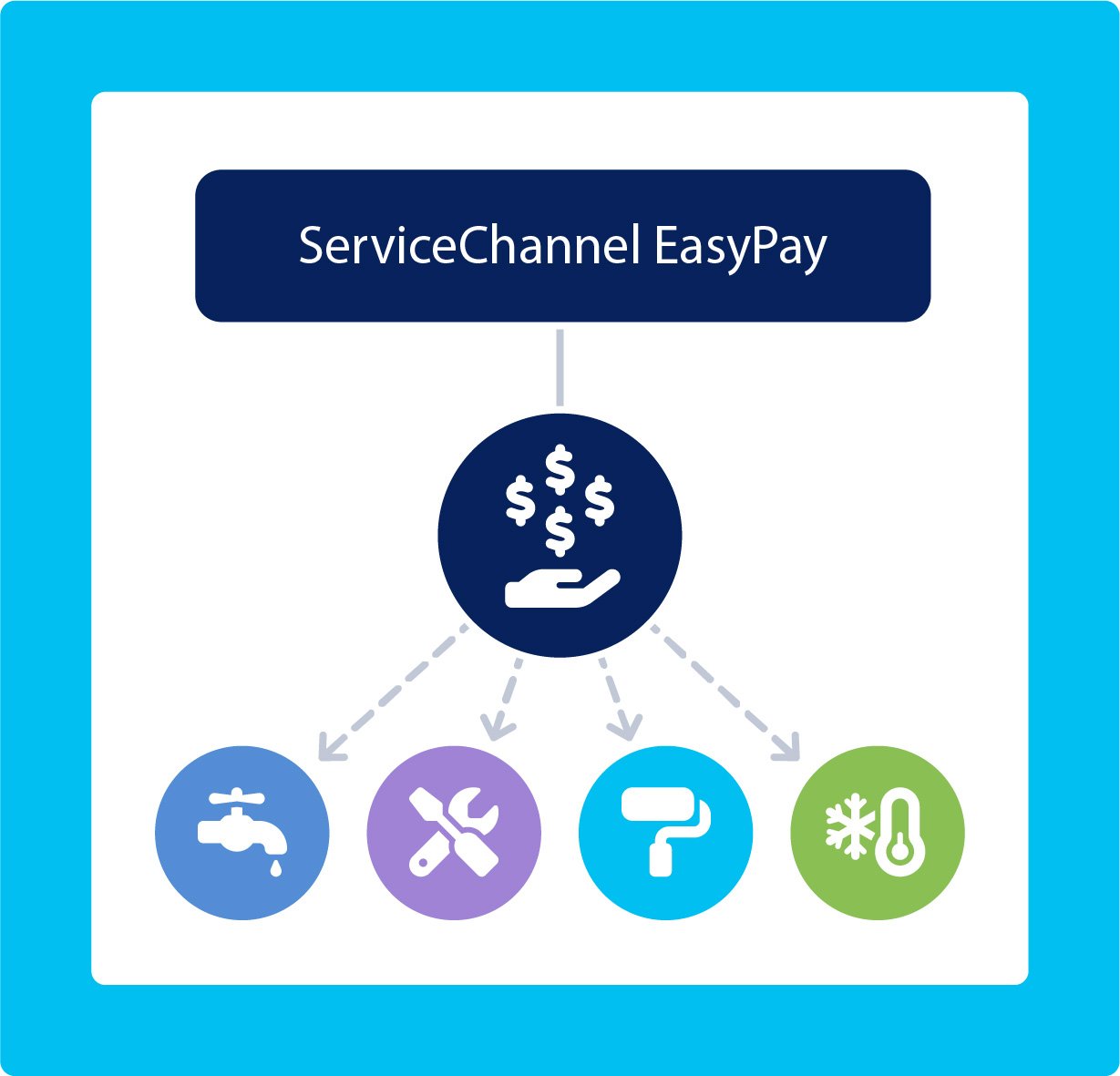
Pay hundreds of provider invoices with a single payment, while handing off all the questions
Speak to a Specialist
Pay all your providers with one easy payment
That means fewer vendors to manage, fewer checks to cut, and countless hours saved.
EasyPay is ideal for brands that need to work with dozens or hundreds of providers to service all their locations and trades, without bogging down their AP team.
-
Use the best providers for the job
Use local, self-performing providers without extra burden on your AP team.
-
Become a prioritized client
Send fast payments by the provider’s preferred method, so you get a fast response to every call.
-
Avoid payment status questions
EasyPay answers provider payment questions, so your Facilities and AP teams don’t have to.
How EasyPay works
You approve invoices in ServiceChannel, which then automatically sync to your accounts payable or ERP system, as usual.
Your accounts payable team makes a single, consolidated payment to an FDIC-insured bank account for the amount of your approved invoices.
EasyPay sends individual payments to each provider without delay for their approved invoices using their chosen payment method.
- EasyPay manages provider payment info and their preferred method for you.
Providers can check their payment status directly.
Highlights
- Pay all providers with one transaction
- Add one payee to your AP system for EasyPay
- Providers don’t need to enroll to get paid
- Providers can choose from ACH, virtual card, or check
- Integrated with ServiceChannel approvals and reporting
- Providers can see payment status instead of asking Facilities and AP
-
Simplify your provider payments
- Pay all providers with one consolidated payment
- AP only needs to set up one payee for EasyPay
- No changes to your current approval process
- Send payments on your own schedule
- Providers update their payment info with EasyPay, not with you
-
Offer provider-friendly options
- EasyPay invites providers to choose a payment method
- Providers choose from ACH, virtual card, or check payment methods
- Providers always get paid, with a free check sent by default if not enrolled
- Providers check their payment status directly
-
Reduce financial security risks
- EasyPay securely stores provider banking information, so you don’t have to
- Your funds are protected in an FDIC-insured account
-
Seamlessly integrate your systems
- View invoice and payment status all in ServiceChannel
- Works with your existing ServiceChannel e-invoice integration
- Works with your existing ERP or accounts payable system
Let’s get started
Ready to eliminate the pain of payments?
Talk with us to see how easy it is to get started with EasyPay.
Speak to a Specialist
FAQ
Can’t find an answer to your question? Get in touch.
What are the challenges of paying all your providers individually?
With so many widespread locations, each requiring a range of service trades, the number of providers sending you invoices can balloon quickly. Without EasyPay, you have to onboard every provider into your AP system and securely manage their information over time, which puts a major burden on your team. The conventional solution of using national providers often comes with tradeoffs of slower responses and higher costs.
What does it take to get started with EasyPay?
As a ServiceChannel subscriber, you’ll set up a placeholder payee in your AP system and send one consolidated payment to the FDIC-insured bank account provided for EasyPay. For setup instructions, contact your Account Manager or Customer Success Manager.
What do providers have to do to get paid?
Nothing. Providers will be sent check payments by default. If they prefer ACH or virtual card payments, then they can enroll in EasyPay at no cost. There’s no extra work for your team.
What are the costs of using EasyPay?
Subscribers pay a fee based on their number of locations. Providers receive checks for free by default, or they can choose an electronic payment method with standard processing fees.
How long does it take providers to get paid?
Virtual card is the fastest option. Providers can receive funds within 24 hours after the client sends payment.
Can providers see when they’ll get paid?
Yes. Providers can check their payment status directly, so your Facilities and Accounts Payable teams field far fewer payment-status questions. Visibility into where a payment stands is one of the biggest pain points EasyPay solves.
How does EasyPay help my Facilities team?
When providers can see their own payment status, they stop routing “where’s my payment?” questions to Facilities. That means fewer escalations, less back-and-forth between Facilities and AP, and more time for your teams to focus on service.
Who is responsible for issuing 1099s to providers?
You are. EasyPay doesn’t change 1099 ownership—you remain the payer of record for each provider, while ServiceChannel’s financial partner only facilitates the transfer of funds. ServiceChannel provides a payment report broken down by provider (including the fields required for 1099 filing—TIN, company name, and payment totals) to support your year-end filing. If you’d like full filing support, our 1099 filing partner can prepare, file, and provide an audit trail while you retain ownership and approval.